- Why Every Creator Needs AI-Powered Cleanup Tools
- AudioCleaner AI Vocal Remover: Create Your Own Instrumentals
- AudioCleaner Music Remover: Clear Voice, No Background Noise or Music
- Supawork AI Watermark Remover: Clean Images with 1 Click
- Supawork AI Video Watermark Remover: Frame-by-Frame Precision
- The Perfect Workflow: Combine All 4 Tools for Seamless Content Cleanup
- Final Thoughts
AI removal tools have become essential for modern creators who work with images, videos, and sound. They simplify one of the most frustrating parts of digital production: cleaning up unwanted elements. Watermarks, background noise, and unnecessary vocals can now be removed automatically in just a few clicks.
In 2026, these tools use advanced recognition models to detect and repair visual or audio details more accurately than ever. Whether you’re designing a thumbnail, editing a vlog, or preparing a podcast, AI removal tools make your work smoother and more polished.
Why Every Creator Needs AI-Powered Cleanup Tools
AI cleanup tools save creators from repetitive editing tasks while maintaining high-quality results. Instead of spending hours manually erasing or adjusting layers, you can upload a file and let the AI analyze patterns, fill missing details, and balance audio automatically.
This approach is especially useful for freelancers, marketers, and content creators who handle multiple platforms daily. With AI taking care of the cleanup, your creative focus stays exactly where it should be — on storytelling and design.
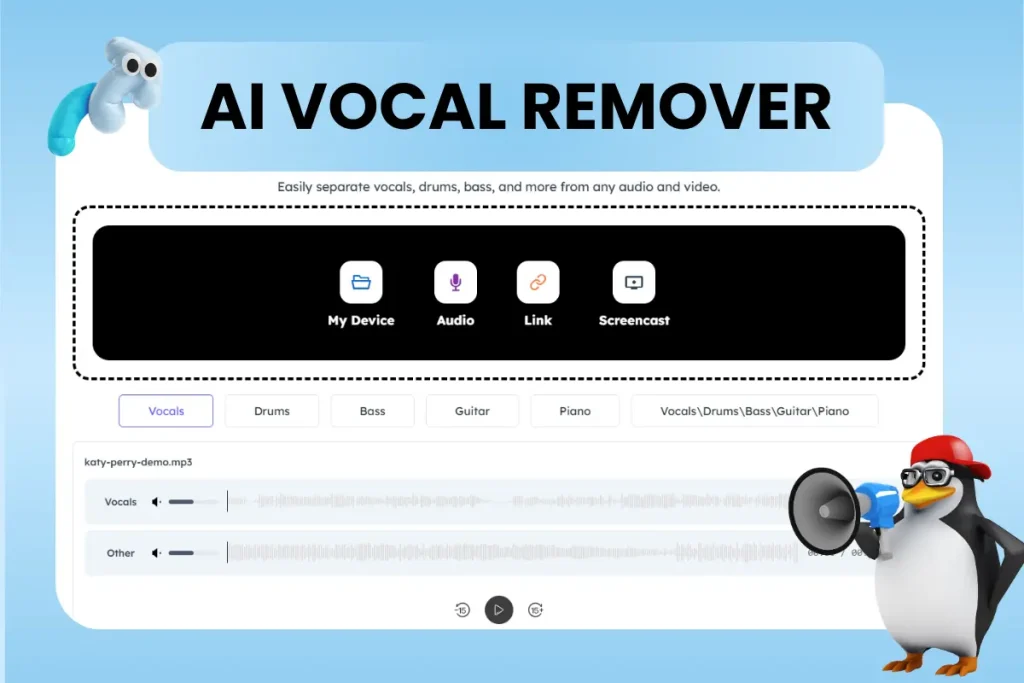
AudioCleaner AI Vocal Remover: Create Your Own Instrumentals
AudioCleaner – AI Vocal Remover helps musicians, remixers, and karaoke fans create clean instrumental tracks with ease. It uses advanced frequency separation to isolate vocals from instrumentals, giving you a pure backing track ready for new creative use.
Unlike older tools that often leave robotic echoes, this one maintains the richness of the music and clarity of each instrument. It’s a perfect companion for content creators who want copyright-safe background music or producers testing new mix ideas.
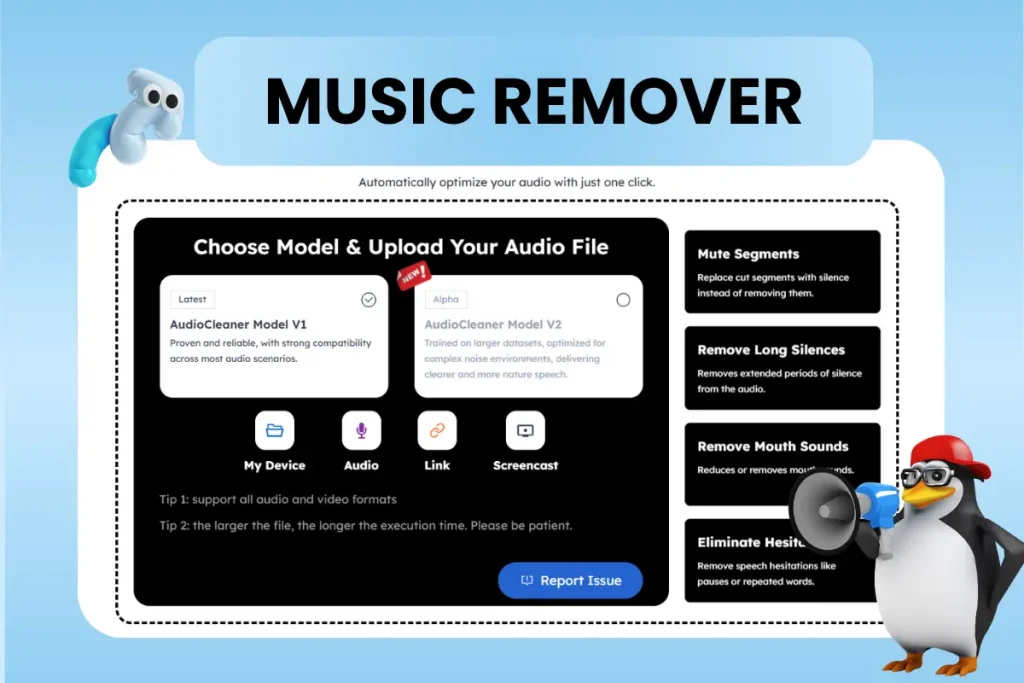
AudioCleaner Music Remover: Clear Voice, No Background Noise or Music
AudioCleaner – Background Music Remover is designed for those who need to remove music and keep only the voice. Because sometimes you don’t want to remove the voice, you want to keep it. It filters out musical layers while preserving natural speech tone, making it ideal for interviews, tutorials, or podcasts recorded in noisy environments.
With background music remover, you can take a video with distracting background tunes and transform it into a clean, focused audio file. Teachers, journalists, and podcasters often use it to prepare content for transcription or editing.
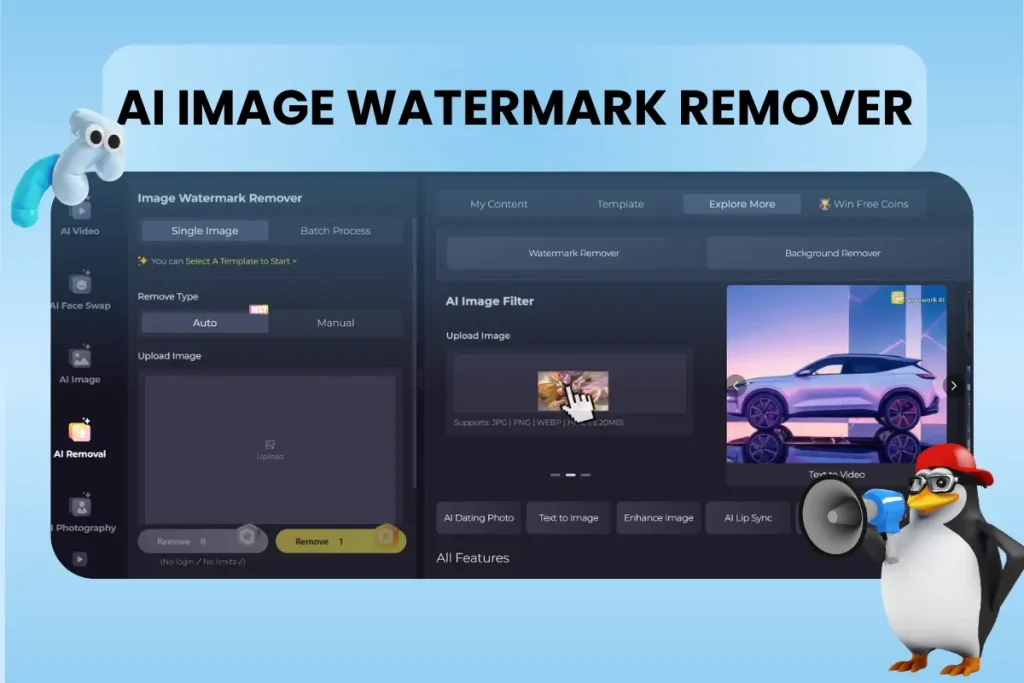
Supawork AI Watermark Remover: Clean Images with 1 Click
Supawork – AI Watermark Remover is a quick and reliable solution for removing unwanted marks, logos, or text from images. The tool detects the watermark area and fills it with surrounding textures so naturally that it’s hard to tell any editing took place.
Its results stand out because the AI doesn’t over-smooth the image or distort its tone. Skin textures remain soft but realistic, and product photos retain their sharp edges. It’s ideal for online sellers, designers, and social media creators who need spotless visuals for professional use.
Supawork AI Video Watermark Remover: Frame-by-Frame Precision
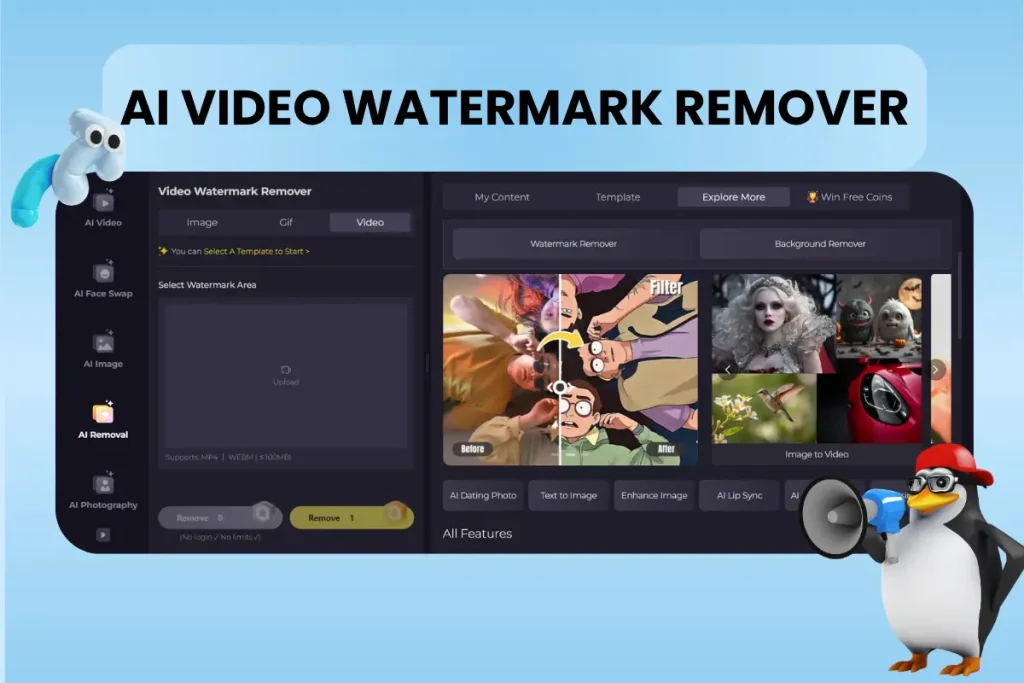
For video editors, Supawork – AI Video Watermark Remover brings precision and speed to an otherwise painful task. It identifies and removes both static and moving watermarks frame by frame, maintaining original sharpness and smooth motion throughout the video.
This tool is perfect for creators working with short clips, reels, or YouTube content. You can process full HD videos in minutes, keep every frame clean, and ensure your visuals look professional from start to finish, all without touching traditional editing software.
The Perfect Workflow: Combine All 4 Tools for Seamless Content Cleanup
A truly efficient creative process doesn’t stop at using one AI tool but it’s about connecting them in the right order to save time and keep quality consistent. When you combine Supawork and AudioCleaner, you can handle every cleanup task across images, videos, and audio without ever leaving your browser.
Start with Supawork AI Watermark Remover if you’re preparing visual materials. For example, say you’ve found a great product photo online, but it has a distracting logo in the corner. Upload it to the tool, and within seconds, the watermark disappears while the background remains natural. You can then use the cleaned image as a thumbnail, part of a video intro, or in a marketing banner.
Next, move on to AI Video Watermark Remover. Maybe you’ve shot a promo clip that includes a brand watermark or stock footage label. This tool processes the video frame by frame, automatically detecting the watermark’s position even if it moves. The repaired frames blend perfectly, so your video looks smooth and professional. You don’t need complex timeline editing.
Once the visuals are ready, it’s time to refine your sound. If you’re working on a video that includes background music but you want to isolate the vocals for a remix, use AudioCleaner – AI Vocal Remover. The tool separates voice and instrumental layers with studio-level clarity. The resulting track can be used for karaoke, remixes, or creative audio overlays.
But sometimes you’ll want the opposite. Maybe you’re editing a podcast or tutorial where background music overpowers the speaker. That’s where Music Remover steps in. Upload your audio, and it removes the music layer while keeping the voice crisp and natural. It’s ideal for interview recordings or lectures where clarity matters most.
By following this simple sequence: image cleanup, video cleanup, vocal separation, and background music removal, you build a complete creative workflow.
Final Thoughts
AI removal tools like Supawork and AudioCleaner redefine what it means to edit content efficiently. They help creators maintain professional quality without spending hours on manual adjustments or expensive software.
If you’re looking for tools that can handle image, video, and audio cleanup effortlessly, these four options are the perfect place to start. They’re free, fast, and smart, ready to give your creative workflow a clean, modern edge.