

Background Music Remover: Remove Background Music from Audio Online Free

Use this free background music remover to remove background music from audio online in seconds. Easily remove music from audio but keep voice for songs, recordings, and voice content.

My Device
Audio
Link
Screencast
3h Max Duration10GB File Limit
Remove Background Audio

Original
00:00 / 00:00
Result
00:00 / 00:00
4.9

User Rating

30,000,000+

Files Processed

190+

Countries Served

Loved by 5 Million+ Users Worldwide

YouTube Creators Podcast Teams Music Producers Video Editors Online Educators Course Creators Marketing Teams Social Media Managers Content Agencies Game Streamers Voice Actors Audiobook Creators Film Editors Journalists Students Teachers Language Learners Corporate Trainers

Hear the Difference with Our Background Music Remover

Listen to how our background music remover removes music from audio. Compare the original audio with the cleaned version in seconds.

Before

00:0000:00

After

00:0000:00

Remove Background Music

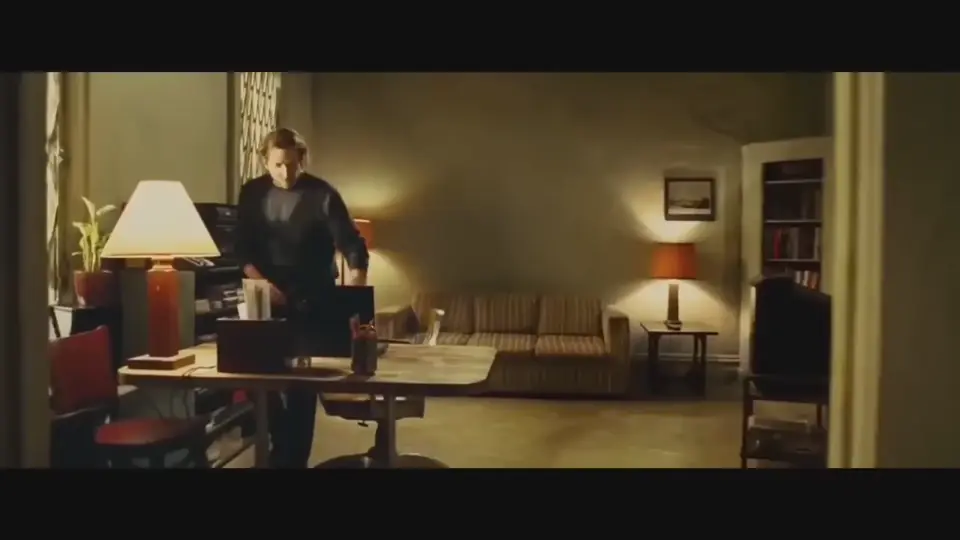
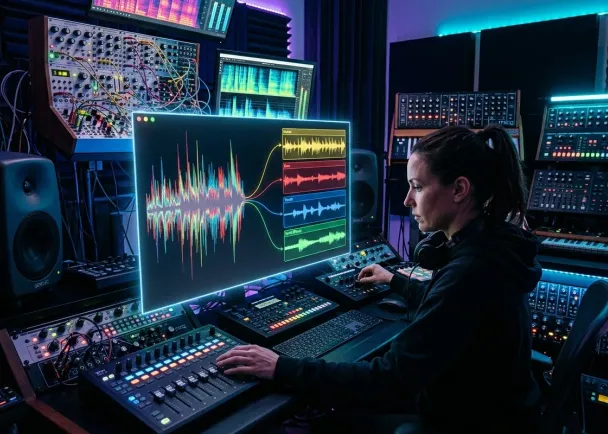
Before AI Tools, Removing Background Music Was Difficult

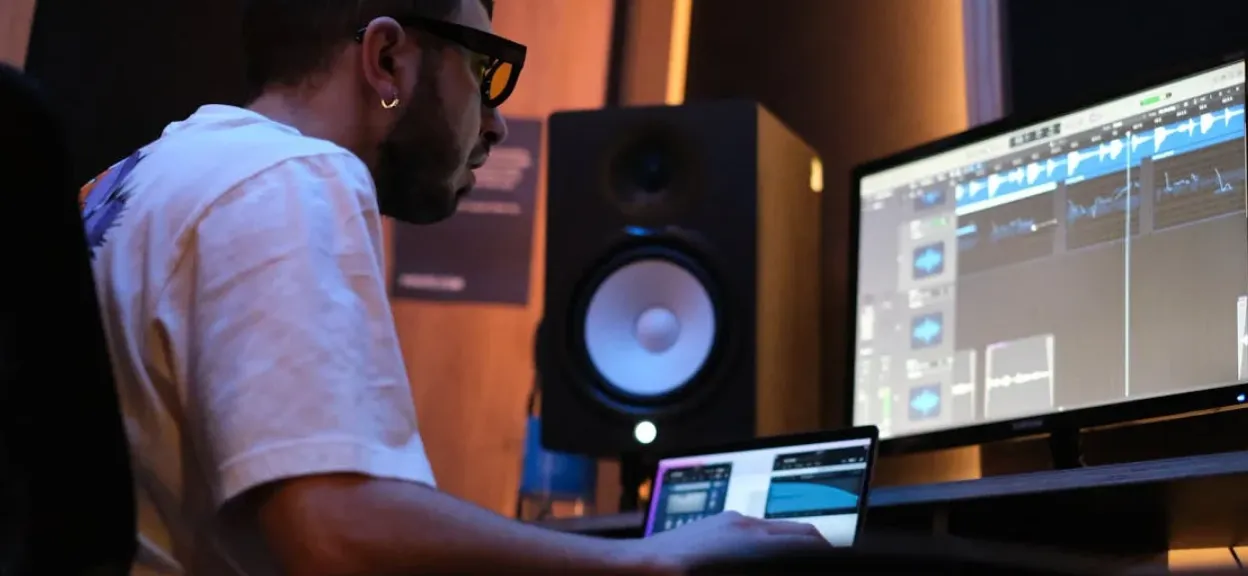
In the past, audio creators struggled with time-consuming methods to remove music from audio. Let's take a look at this creator's example.

How to Remove Background Music from Audio - 3 Simple Steps

No need to learn complex audio editing skills or spend hours tweaking settings. Our background music remover will generate high-quality audio in no time.

1
Upload Your Audio File - Drag and drop your file or choose from your device. We support all popular formats.
Upload Your Audio File
2
Let AI Do the Work - Our advanced AI automatically detects and removes background music.
Let AI Do the Work
3
Let's do it
Download Clean Audio - Preview the result and download your crystal-clear voice track in seconds.
Download Clean Audio

Why Creators Choose Our Background Music Remover

AI Background Music Remover Online – Free Download

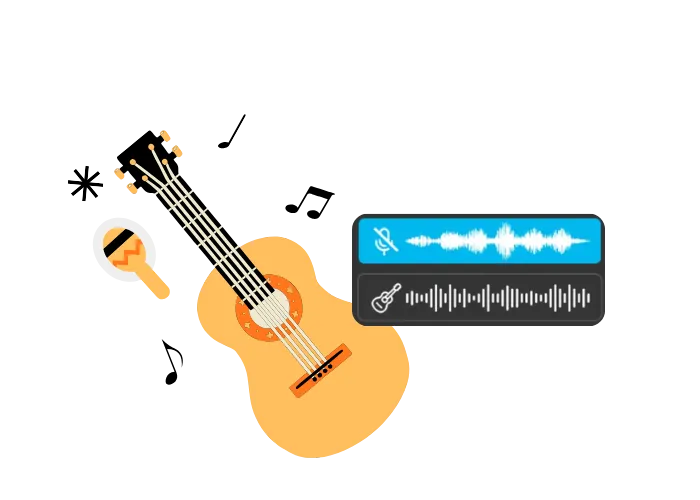
Crystal-Clear Voice, Background Music Removal

With our advanced bgm remover, you can isolate vocals with up to 98% accuracy while eliminating unwanted tracks. Even in complex audio environments, it ensures you remove bgm from audio without sacrificing clarity.

AI Background Music Remover Online – Free Download

Fast Processing, Save Hours of Work

No heavy software or manual editing required. Our tool makes it easy to remove music from audio, boosting efficiency by over 5x compared to traditional editing methods.

AI Background Music Remover Online – Free Download

Wide Format Compatibility

From MP3 and WAV to AAC and more, our vocal isolation tool supports multiple audio formats. Perfect for podcasters, video editors, teachers, and voice-over artists who need quick and flexible solutions.

AI Background Music Remover Online – Free Download

AI-Powered Audio Separation

Unlike outdated filtering methods, our background music remover uses deep learning models to detect vocals, instruments, and background layers, ensuring you remove music from song with studio-grade precision.

AI Background Music Remover Online – Free Download

Secure & Private Cloud Processing

All files are processed online and automatically deleted within 24 hours, guaranteeing your privacy. Over 50,000+ podcasters and music lovers trust our audio separation tool.

AI Background Music Remover Online – Free Download

Free Trial & Flexible Plans

Try our background music remover free - no sign-up hassles. For advanced needs, upgrade to affordable plans flexible for individuals, creators, and teams.


Top Use Cases for Our Background Music Remover

AI Background Music Remover Online – Free Download

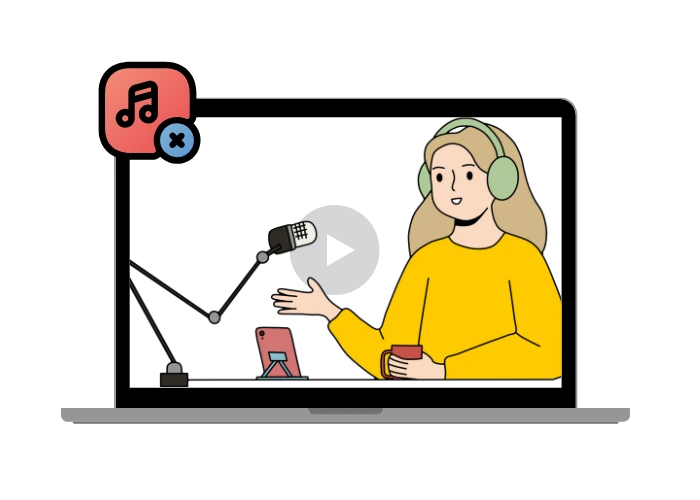
🎙️ Podcast & Voice-Over Production

Podcasters and voice-over artists often need a clean vocal track without any distractions. Our bgm remover processes directly from audio files in seconds, helping you remove bg music effortlessly and deliver professional-quality results ready for publishing.

Loved and Trusted by Music Lovers

Saved my last-minute edit

Had a voiceover recording with background music and needed it cleaned up fast. Uploaded it to the bgm remover and it was done in minutes. No software, no hassle.

Lucas Bennett
Video Editor

Finally isolated vocals without the headache

I use it to create karaoke tracks for my students. The output is clean and the whole process runs in the browser. Any music teacher should try this.

Carla Simpson
Music Teacher

A must-have for podcasters

Recorded an episode in a café with background music playing. Thought the audio was ruined. Ran it through the remover and the voice came out crystal clear. Part of my workflow now.

Rafael Monroe
Podcaster

Use it every week for my remixes

I can isolate vocals in minutes without opening a DAW. For producers who need speed, this thing is a game changer.

Diego Walsh
Music Producer

Professional results without heavy software

Needed a clean vocal track for a brand video and had no time for manual editing. The audio separator delivered exactly what I needed in one shot.

Julia Carter
Content Creator

Worked better than I expected

Tried it without high hopes and was genuinely impressed by the accuracy. The voice stayed clean with no quality loss. Solid even on the free trial.

Thomas Reid
Voice Actor

Essential for my daily voice-over work

Clients sometimes send me audio files with background music already mixed in. This tool lets me clean it up fast and hit every deadline without stress.

Amanda Collins
Voice-Over Artist

Removes background noise like magic

Saw a post from @Eliauk1998 recommending this tool for cleaning up recordings, so I tried it on my podcast. It did a great job removing background noise without affecting the quality of my voice. Can't imagine recording without it now! 🎙️✨

Olivia Johnson
Podcaster

Pulled clean vocals from my live set recording

Recorded a live DJ set and wanted to extract the vocals for a clip. Worked right in the browser, no sign-up, no waiting around.

Brian Clarke
DJ

Great for keeping online classes professional

I remove background music from my lesson recordings before uploading them to my course platform. Fast process and my students notice the difference in audio quality.

Patricia Hughes
Online Educator

My go-to audio tool now

Tested a lot of vocal separators and this one preserves clarity better than anything else I have tried. Use it for personal projects and client work alike.

Marcus Bell
Freelance Audio Engineer

Best online video service ever.

I saw @bik174589 share how this tool cleaned up a noisy voice memo, so I decided to try it for my work calls. It made a huge difference - no more distractions! Very easy to use. Highly recommend it!

Sophia Müller
Freelancer

Remove noise from video or audio online for free. No credit card, no sign up!

Remove Noise Now

Frequently Asked Questions About Background Music Removal

How to remove background music from audio?
AI Background Music Remover Online – Free Download

Upload your audio file to AudioCleaner AI. The tool uses AI to detect and separate the instrumental layer from the vocal track, then exports the cleaned result as an MP3.

Can I isolate vocals from a music track online?
AI Background Music Remover Online – Free Download

Yes. An online vocal isolation tool processes your file directly in the browser - no software installation needed - and returns a separate vocal track within minutes.

What file formats does the background music remover support?
AI Background Music Remover Online – Free Download

The tool supports common audio and video formats including MP3, WAV, M4A, and MP4, as well as direct YouTube links for online audio.

Can I remove background music from a YouTube video?
AI Background Music Remover Online – Free Download

Yes. Paste the YouTube URL into the tool, and it will extract the audio, separate the vocals from the background music, and let you download the result as an MP3.

Do I need to install software to use this tool?
AI Background Music Remover Online – Free Download

No. The background music remover runs entirely in your browser. There is nothing to download or install.

How long does it take to remove background music from a song?
AI Background Music Remover Online – Free Download

Processing time depends on the length of the file, but most tracks are separated within a few minutes after upload.

Will the vocal quality be affected after background music removal?
AI Background Music Remover Online – Free Download

AI processing is designed to preserve vocal clarity while reducing the instrumental layers. Results may vary depending on how heavily the vocals are mixed with the music in the original recording.

Can I use this tool to clean up a podcast or voice recording with background music?
AI Background Music Remover Online – Free Download

Yes. The tool works for any audio where a voice needs to be separated from background music, including podcasts, interviews, and recorded speeches.

Is there a file size or length limit for uploads?
AI Background Music Remover Online – Free Download

File size and duration limits depend on the plan you are using. Shorter files are typically processed faster and are supported across all tiers.

How do I download the result after vocal separation?
AI Background Music Remover Online – Free Download

Once processing is complete, a download button will appear. You can save the isolated vocal track as an MP3 file directly to your device.

Sign up now to enjoy unlimited access!

Get clean audio and video for free.

Try it now