- TL;DR
- Why Is Vlog Audio Quality So Important Today?
- What Causes Poor Audio Quality in Vlogs?
- How Do Top Vloggers Enhance Their Audio for Vlogs? (Creator-Tested)
- Why AudioCleaner Is One of the Best Vlog Audio Enhancement Methods for Creators
- How to Enhance Vlog Audio in Minutes?
- Real-World Vlog Audio Enhancement Examples (Creator Use Cases)
- Conclusion
- FAQs
TL;DR
- Many vlogs suffer from noisy audio, uneven volume, or unclear voices, causing viewers to lose interest. Creators need a fast, simple way to improve sound clarity, engagement, and audience trust.
- The easiest vlog audio enhancement method for creators is using AudioCleaner, which automatically removes noise, balances levels and improves clarity.
- By uploading your vlog and applying the Audio Enhancer, you can get professional quality, clearer audio in minutes, keeping viewers engaged and returning for more.
As vlogging continues to dominate platforms like YouTube, TikTok, and Instagram, audio quality has become just as important as visuals. Even the most cinematic footage can lose viewers if the sound is noisy, unbalanced, or hard to understand. The difference between an enhanced and unenhanced vlog audio can significantly impact your vlog’s engagement.
So, what is the best vlog audio enhancement methods for creators free? In this guide, we will explore the best vlog audio enhancement methods, from simple recording tips to advanced AI-powered post-production solutions.
Why Is Vlog Audio Quality So Important Today?
Vlog audio quality is crucial today because poor sound frustrates viewers, making them click away, while good audio deepens audience engagement by creating immersion, and build trust, ensuring your message is clearly understood and emotionally resonant in a crowded digital space. So there are key reasons that audio quality is vital for vlog. This is why applying effective vlog audio enhancement methods is essential for modern creators.
Viewer retension & engagement
Bad audio (noise, echo, hums, noisy vocals and so on) forces viewers to tune out; clear audio keeps them immersed and focused on your vlog content, preventing them from leaving.
Building trust
Clear, well-recorded audio helps build a stronger connection and trust with your audience, making them more receptive to your message.
Emotional connection & storytelling
Sounds like music and voice tone can set the mood, evoke emotions, and enhance the narrative, creating a richer, more authentic experience.
Information clarity & accessibility
Vlog audio must be clear and understandable. If viewers struggle to hear, they will miss your key points, undermining the vlog’s purpose. At the meantime, enhanced vlog audio makes content more accessible for everyone, including individuals with hearing impairments, ensuring a broader reach.
Reaching a Multilingual Audience
As vlogs reach viewers across different countries, clear audio also matters for creators translating their content into other languages. An AI dubbing tool like invideo can take an existing vlog’s voice track and re-voice it in another language, letting the same video reach non-native speakers without a reshoot. Since dubbing tools usually work from the original audio, a clean, noise-free voice track leads to a more natural-sounding dub, one more reason getting the audio right matters for creators building a multilingual audience.
Aural immersion
While visuals catch the eye, audio engages a deeper sense, making the vlog feel more real and pulling the viewers into the world recorded in your vlog.
In essence, audio is no longer a secondary element so we need to find out what causes poor vlog audio quality and the best vlog audio enhancement methods.
What Causes Poor Audio Quality in Vlogs?
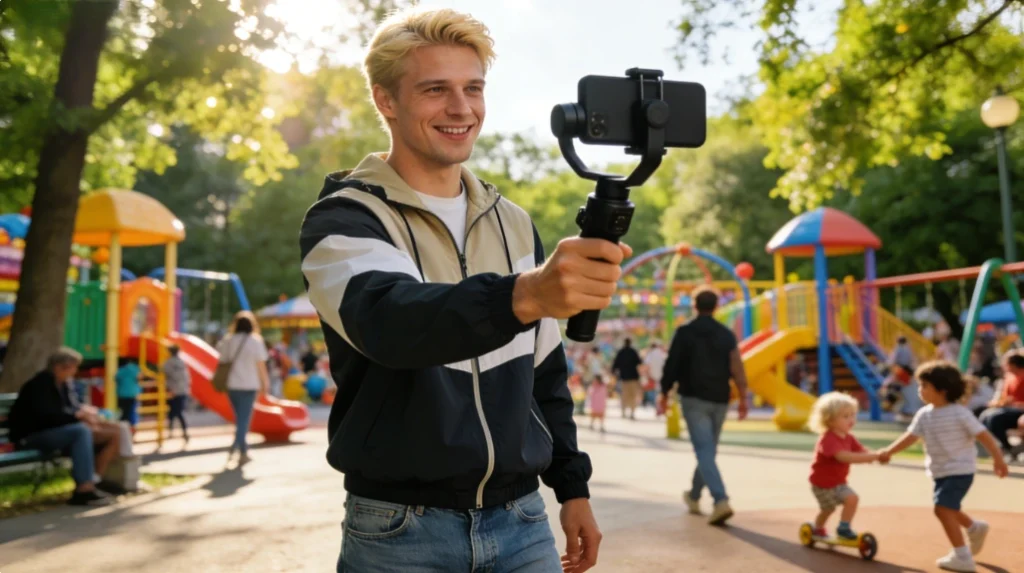
Poor audio quality is one of the most commom problems vloggers face, even when video footage looks great. Understanding the root causes is the first step before choosing the right vlog audio enhancement methods. The most common causes of poor vlog audio quality include:
- Improper microphone placement. When the micro phone is too far away, voices sound thin and distant. Placing it too close can cause distortion.
- Background noise in real-world environments. Sounds from air conditioners, fans, traffic, barking dogs or electronic interference like humming or buzzing often bleed into vlog audio and distract viewers.
- Poor room acoustics. Hard, reflective surface in empty rooms or bathrooms create echo and reverberation, reducing speech clarity and making dialogue harder to understand.
- Low quality or unsuitable recording equipment. Cheap or inappropriate microphones often fail to capature clean, detailed sound, especially in challenging recording environments.
- Skipping audio enhancement and EQ adjustments. Without basic audio enhancement, voice may sounds dull or lack presence. Skipping basic audio adjustments reduces the effectiveness of vlog audio enhancement methods like noise reduction and volume balancing.That’s the reason why many creators turns to simple vlog audio enhancement methods during post-production.
Once you understand what causes poor vlog audio quality, the next step is knowing how to fix it. Below, we will break down the best vlog audio enhancement methods based on real creator workflows and practical results.
How Do Top Vloggers Enhance Their Audio for Vlogs? (Creator-Tested)
These methods are widely used by vloggers across YouTube, TikTok, and other short video platforms. Learn more about pre-recording vlog audio enhancement methods in our detailed guide.
Improve Audio at the Recording Stage
Good audio enhancement starts before editing. Creators can focus on basic recording habits such as maintaining proper microphone distance, monitoring audio with headphones, and being aware of their environment. These small steps reduce background noise, preventing distortion, and make later enhancement more effective.
Remove Background Noise Automatically
Background noise is one of the biggest challenges for vloggers, especially when filming outdoors or in public spaces. Traditional noise reduction tools often require manual adjustments and audio expertise, which can slow down the editing process.Modern AI-powered vlog audio enhancement methods automatically detect and remove unwanted noise while preserving natuaral voice tones, making them ideal for fast-paced vlog workflows.
Balance Volume and Normalize Speech Levels
Inconsistent volume is another common issue in vlog audio. Sudden loud sections, quiet dialogue, or uneven speech levels force viewers to constantly adjust their volume or stoping watching altogether.
Balancing volume and normalizing speech helps create a smoother listening experience. This process can even out loud and quiet sections, ensuing dialogue remains clear comfortable throuhought the entire vlog, regardless of recording conditions.
Enhance Voice Clarity Without Re-recording Audio
By improving vocal presence and reducing muddiness, enhancement tools can make speech sound clearer and more focused, even when the original recording was not perfect. This vlog audio enhancement method is especially valuable for creators who vlog while traveling or filming spontaneous moment where re-recording is not an option.
Use AI Audio Enhancement Tools for Faster Vlog Editing
For creators who want professional sounding audio without complex software, AI audio enhancement tools offer the most efficient solution. Tools like AudioCleaner handle tasks like manually adjusting EQ, noise reduction and volume settings automatically.
Why AudioCleaner Is One of the Best Vlog Audio Enhancement Methods for Creators
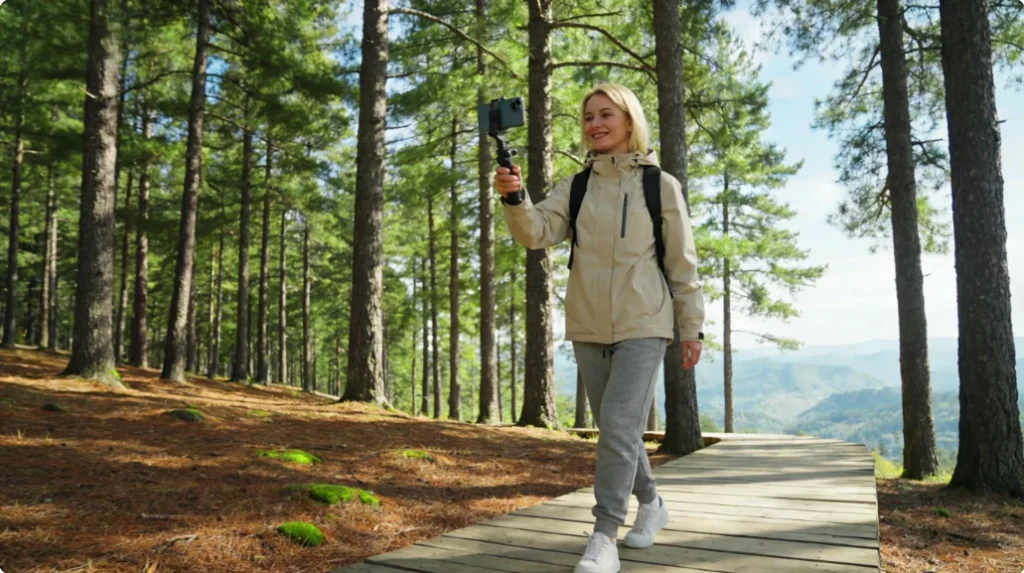
AudioCleaner stands out as one of the best vlog audio enhancement methods by simplifying the entire process. It removes unnecessary noises quickly. The following features explain why it works so well for vloggers.
Enhance Vlog Audio Directly from Video Files (No Audio Export Needed)
One major reason it stands out among vlog audio enhancement methods is its ability to process audio directly from video files, supporting formats like MP4, Links, FLAC and so on. Unlike traditional workflows that require exporting audio tracks before editing, our tool lets creators simply upload their vlog video and enhance the audio instantly. This means no separating audio from video, no switching between editing software, and no complicated setup.
Built for Fast-Paced Vlog Workflows
Vlogger often work under tight schedules and need to publish content quickly. This tool is designed for fast-paced vlog workflows by reducing audio enhancement to a few simple steps. With no software installation and no manul configuration, creators can clean up vlog audio in minutes and move straight to publishing.
Automatic Noise Removal Without Audio Expertise
Not every creator has time or knowledge to set audio professionally. AudioCleaner can use AI to automatically detect and remove background noise while preserving natural voice quality with no audio expertise required. This makes it easy for beginners and creators with no technical skills to achieve clear, balanced vlog audio without learning complex audio editing tools or workflows.
How to Enhance Vlog Audio in Minutes?
Tools like Audio Enhancer by AudioCleaner add an extra layer of polish before your vlog goes live, making audios clearer and more balenced. It is one of the simplest ways to enhance vlog audio in minutes without requiring advanced technical skills or complex editing workflows but supporting process diverse file formats like MP4, Links and FLAC directly.
Here is a steps guidline of enhancing vlog audio in minutes with this AI tool.
- Step 1: Search AudioCleaner in the browser.
- Step 2: Use it to upload your vlog audio.
- Step 3: Apply ‘Audio Enhencer’ to let AI automatically remove background noise, balance levels and improve clarity.
- Step 4: Listen to the results, make minor if needed and download your polished audio.
Real-World Vlog Audio Enhancement Examples (Creator Use Cases)
There are some real-world vlog audio enhancement examples and reviews that show how creators improves vlog audio quality in different recording environments.
Drew Binsky—— Outdoor Travel Vlogger(Wind & Traffic Noise)
“When I record travel vlogs outdoors, there is almost always wind or traffic noise in the background. Even if the visuals look great, my voice can easily get buried, especially when people watch on their phones.”
“After filming, I upload the original video file to AudioCleaner instead of re-recording voiceovers. It helps reduce background noise and makes my voice easier to hear without removing the natural outdoor atmosphere.”
In the final video, the narration is clearer and more comfortable to listen to, so viewers can follow the story without turning the volume up or replaying parts.
Ali Abdaal——Home Studio Creator (Echo & Room Noise)
“I usually record at home, and my room isn’t acoustically treated. Because of that, my voice often sounds hollow or slightly echoey, which I only notice after listening back with headphones.”
“Rather than adjusting EQ or reverb manually, I run the recording through this tool. The AI balances the voice and reduces room reflections automatically.”
The result sounds more focused and natural, closer to a clean spoken track. It doesn’t feel over-processed, but it is much easier for viewers to listen to for longer periods. It can be considered the best vlog audio enhancement method for creators.
Conclusion
High-quality audio has been essential today for retaining viewer, building trust and enhancing storytelling. By combining smart recording habits with AI solutions, creators can achieve consistent, polished sound. Tools like AudioCleaner make these vlog audio enhancement methods fast and accessible, ensuring that every vlog not only looks great but also sounds professional. Applying these strategies helps every vlog’s content stand out in crowded platforms and keeps audiences coming back for more.
FAQs
What is the best vlog audio enhancement method?
The most effective vlog audio enhancement method is definitely using AI audio enhancement tools for faster vlog editing. AudioCleaner automatically removes background noise, balances audio levels, and enhances voice clarity, making it ideal for creators who want high-quality audio without complex software.
Can I improve vlog audio after recording?
Absolutely! You can enhance your vlog audio post-recording using our tool even if your footage already has basic audio issues.
Can AudioCleaner enhance video audio quality online free?
Yes! It stands out as a browser-based audio file cleaner that requires no installation, supports diverse inputs including file uploads, links, and screencasts and supports diverse extending functions.
How can I remove a constant humming sound from my vlog audio?
Using specialized noise reduction tools like AudioCleaner can help target the specific frequency band of a humming sound and remove it with just one click, then you can get a cleaner and more professional vlog audio.
Do I need to extract audio from video to enhance vlog sound?
No. AudioCleaner enhances audio directly from video files, eliminating the need for audio export.