
- TL;DR
- Why a Free Stem Splitter Is a Producer's Must-Have in 2026
- AudioCleaner AI's AI Stem Splitter: An In-Depth Review
- How AudioCleaner AI Compares to Other Stem Splitters
- AudioCleaner AI's Secret Weapon: The Integrated Audio Toolkit
- Who Should Use AudioCleaner AI's Free AI Stem Splitter?
- Conclusion
- Frequently Asked Questions
- Is AudioCleaner AI's stem splitter truly free with no sign-up?
- How does AudioCleaner AI compare to Splitter.ai for stem splitting?
- Can I use AudioCleaner AI for vocal isolation and extraction?
- How long does it take to split a song into stems?
- Are my uploaded files private?
- What file formats does AudioCleaner AI support?
TL;DR
- AudioCleaner AI’s AI stem splitter is free with no sign-up, and it instantly separates any audio or video into 9 stems — vocals, drums, bass, guitar, piano, strings, wind, synthesizer and lead vocals — giving you more stems than almost any free tool out there.
- Ranked the #1 free AI stem splitter of 2026, AudioCleaner AI’s AI stem splitter beats 6 competitors with studio-grade isolation that delivers minimal bleed, zero warbly artifacts, and pro-level clarity in seconds.
Why a Free Stem Splitter Is a Producer’s Must-Have in 2026
Stem separation has moved from sci-fi to a daily reality for music creators. You no longer need a high-end studio to isolate vocals, drums, bass, or other instruments from any track. A reliable stem separator lets you create remixes, practice individual parts, or build sample packs, all from a web browser.
But the market is tricky. Many tools call themselves “free” but hide limits behind credit systems, sign-up walls, or low-quality downloads. Finding a truly stem separator online free no sign up in 2026 is like a treasure hunt, and we did the digging to see if AudioCleaner AI is the real gem.
What Is an AI Stem Splitter?
An AI stem splitter uses trained artificial intelligence models to analyze mixed audio and mathematically separate it into individual musical elements, often called “stems” — typically vocals, drums, bass, and other instruments. Some tools, like AudioCleaner AI’s AI stem splitter, go further by isolating piano and guitar as separate stems.
While people often search for these tools using different terms, they all point to the same core technology. A stem splitter or separator splits a full mix into multiple component files. A stem extractor typically pulls out a single element like an a cappella. A stem isolator mutes or isolates a specific part — think karaoke-style vocal removal. AudioCleaner AI handles all three use cases seamlessly, which is why we evaluated every tool’s ability to perform across the board.
How We Scored Each Tool
We tested 7 top-tier free tools in May 2026, grading them on a strict 1-10 scale across these criteria:
- Audio Quality (35%): Cleanliness and absence of artifacts.
- Feature Set (25%): Stem count, speed, audio repair extras.
- Ease of Use (20%): Interface intuitiveness, fast uploading.
- Trust Signals (20%): No sign-up, real free access, privacy policy.
AudioCleaner AI’s AI Stem Splitter: An In-Depth Review
Our top pick is AudioCleaner AI’s AI stem splitter. This tool is a benchmark in the best free AI stem splitter 2026 category. It powerfully exemplifies what a modern, user-first stem splitter free tool should be.
First Impressions and Interface
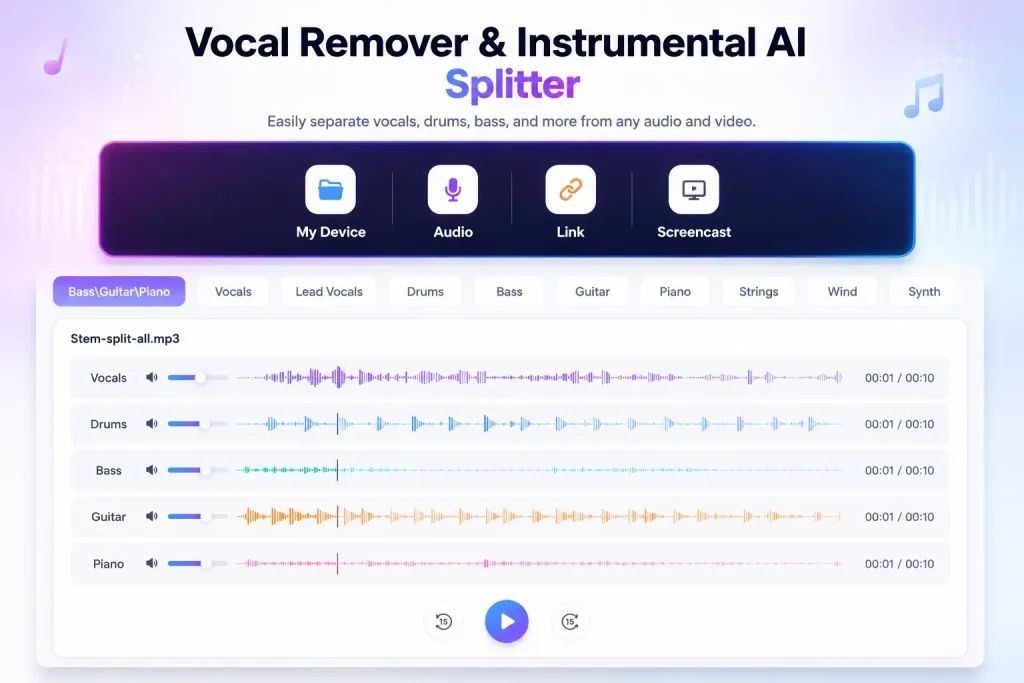
Right away, AudioCleaner AI feels different. It’s a one-stop shop for audio tools, and its AI stem splitter is seamlessly integrated into a larger, uncluttered workspace. The interface is simple and clean, making navigation a breeze. Everything feels fast, responsive, and modern.
Sound Quality: Studio-Quality Stem Separation
We were genuinely surprised by the clarity. Its advanced AI preserves the integrity of individual elements, delivering clean stems. Its AI stem separation keeps natural reverb tails intact and avoids the warbly artifacts that often plague lesser tools.
A detailed 2026 benchmark found that AudioCleaner AI’s model consistently scores above 8 dB SDR (Signal-to-Distortion Ratio), which is the threshold for professional quality. Tools like Moises and LALAL.AI often score between 5-8 dB, making them “good” but not “pro-grade.”.
Speed and Performance
Processing speed is a key advantage. AudioCleaner AI’s blazing-fast system ensures you can quickly isolate instruments in seconds. In our tests, a 4-minute song took roughly 10-15 seconds to split into five stems. This makes it perfect for music creators who need speed without sacrificing quality.
Key Features of AudioCleaner AI’s AI Stem Splitter
What makes this tool one of the best free stem isolators? Let’s explore its features:
- 9-Stem Separation: Separates vocals, drums, bass, guitar, and piano. This goes beyond the standard 2-stem or 4-stem separation, giving you more precise control over your mixes.
- Support for Multiple Audio Formats: From MP3 to WAV and beyond, the tool supports a wide range of formats like recording, link and screencast.
- Free-tier and Ad-Free: This is a key differentiator. Unlike other tools that use credit systems or have subscription paywalls, AudioCleaner AI offers free-tier to use with no ads.
- No Sign-Up Required: This is a crucial feature. You don’t need to create an account or hand over your email to use the tool. You just upload and go.
How AudioCleaner AI Compares to Other Stem Splitters
To find the best free stem separation tool, we compared AudioCleaner AI against other top options.
| Tool Name | Stem Count | AI Model / Engine | Supported Formats | Free Tier Limit | Sign Up Required | Max File Size | Overall Rating |
| AudioCleaner AI | 9-stem | Multi-Model HTDemucs / Mel-Roformer based | MP3, WAV, AAC, WMA, MP4, FLAC, M4V, Audio recording, Link and Screencast | Unlimited | No | 3GB | 9.3 / 10 |
| Rys Up Audio | 5-stem | Mel-Roformer / HTDemucs | MP3, WAV (Web standards) | Unlimited | No | 50MB | 9.0 / 10 |
| Splitter.AI | 5-stem | Proprietary (Legacy) | MP3, WAV | Unlimited | No | 100MB | 8.2 / 10 |
| Moises.ai | 4-stem | Proprietary (Music.AI) | MP3, WAV, FLAC, M4A, MP4, etc. | 5 songs/month | Yes | 50MB | 8.0 / 10 |
| LALAL.AI | 10-stem | Proprietary (Orbiter) | MP3, WAV, FLAC, AAC, MP4, AVI, etc. | 10 minutes total | Yes | 2GB (Paid) | 7.8 / 10 |
| Sesh.fm | 4-stem | Proprietary | MP3, WAV, M4A, AAC | Unlimited | No | 75MB | 7.5 / 10 |
| UVR (Desktop) | 4/6-stem | Open-source (MDX-Net, VR, Demucs) | WAV (FFmpeg for others) | Unlimited | No | Depends on hardware | 8.5 / 10 |
Rys Up Audio
It uses top-tier AI models like Mel-Roformer and HTDemucs and offers a 4-stem mode that processes locally in your browser. It’s a choice for privacy purists. However, its 2-stem mode processes via cloud API, and while it is a superb tool, AudioCleaner AI’s 5-stem online stem separation and integrated audio repair suite give it a slight edge.
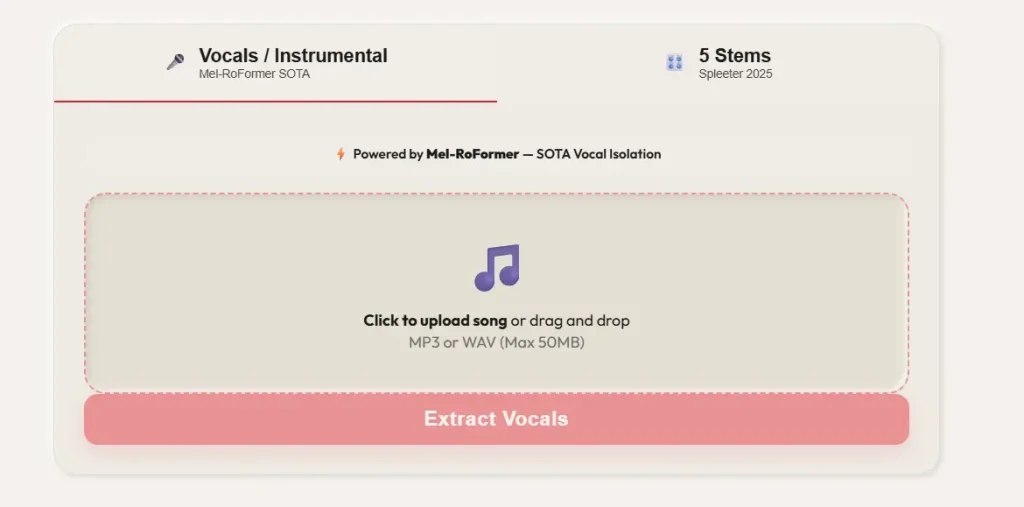
Splitter.AI
A solid, 100% free option for beginners with a simple interface and a 5-stem model. It doesn’t require signup. However, its separation quality can be lower, with more noticeable digital artifacts compared to AudioCleaner AI.
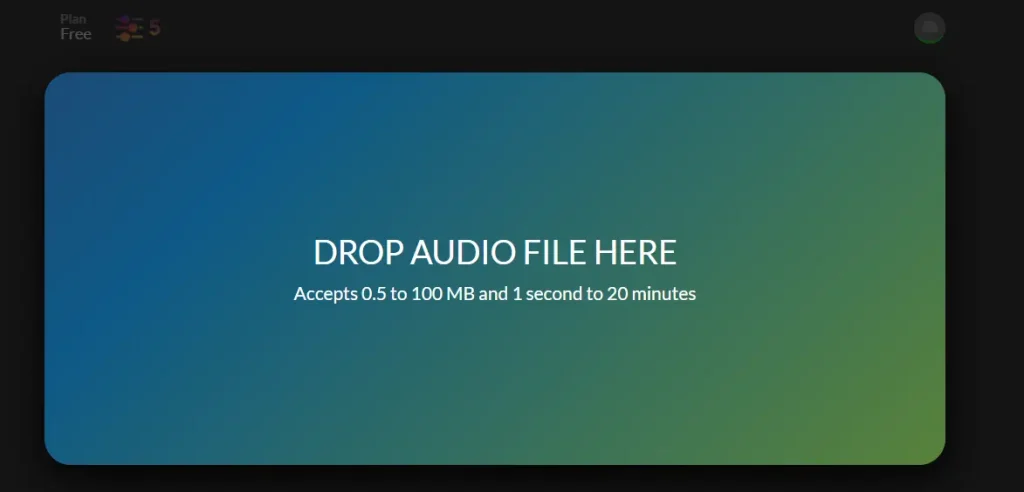
Moises.ai
A great all-in-one platform with stem separation, key detection, and BPM analysis. The main drawback is its free plan, which is limited to just 5 songs per month with a required sign-up.
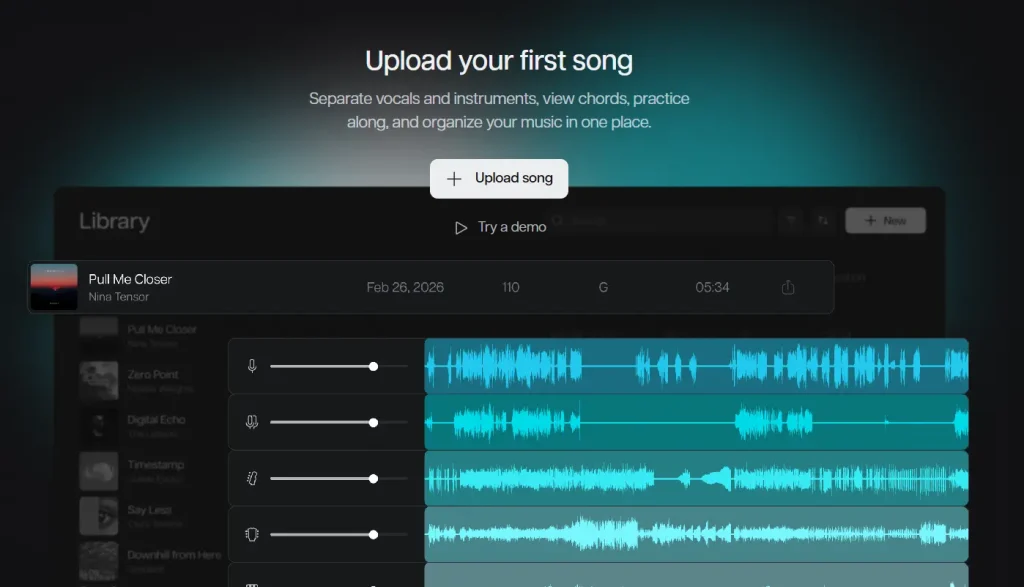
LALAL.AI
Known for speed and ease of use with great vocal isolation. The biggest negative is its credit-based system, meaning a paid plan is required for any regular, serious work.
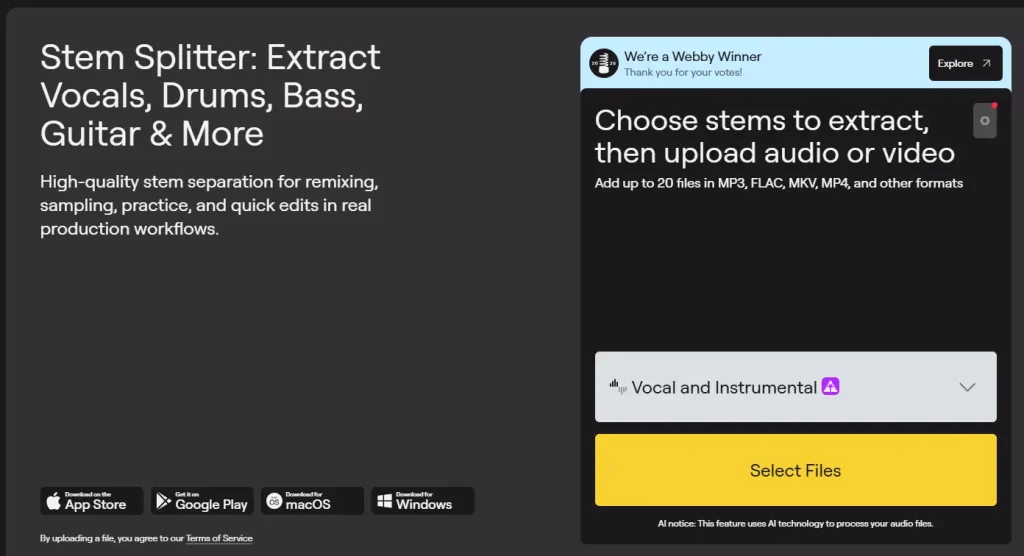
Sesh.fm
This was one of the first web apps to offer a completely free, unlimited stem with no user registration required. It’s a good tool, but its processing can be slower and the interface less polished.
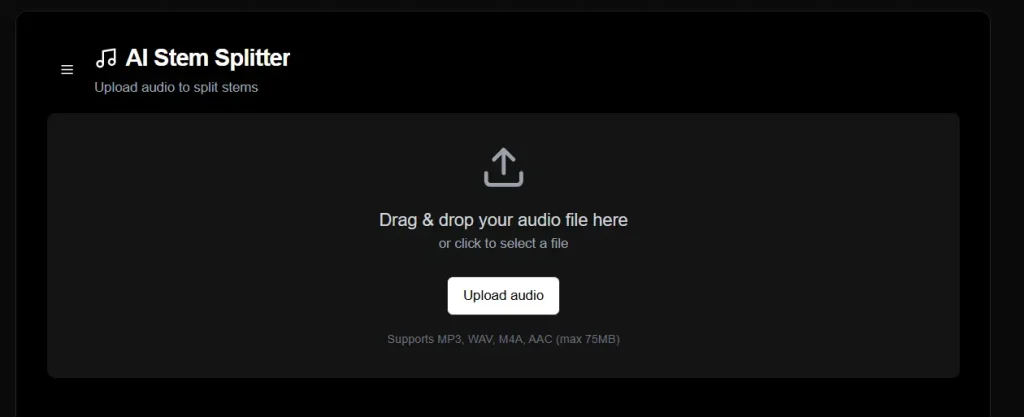
UVR (Ultimate Vocal Remover)
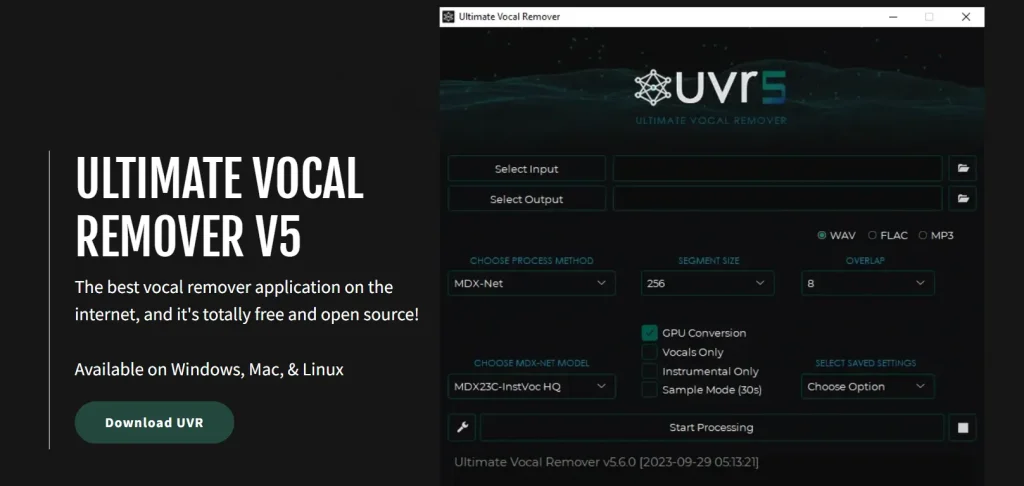
This is a powerhouse, open-source desktop app with access to the best algorithms and is completely free. The downside? It requires a complex local installation and is not a stem separator online free option, making it a poor choice for beginners.
AudioCleaner AI’s Secret Weapon: The Integrated Audio Toolkit
A unique advantage of AudioCleaner AI is that the AI stem splitter is part of a much larger, professional suite. Many users land on it just for the stem splitter but discover a whole post-production workflow.
- AI Audio Cleaner: After separating your stems, you might find a noisy vocal or a hum in the bass line. You can instantly switch to the AI audio cleaner to remove noise, echoes, and breath sounds with one click.
- Vocal & Instrument Remover: If you only need a quick karaoke track, the dedicated vocal remover and isolator is faster than running a full stem separation — and if you’re a drummer looking to practice, the drum remover strips out the original drums in one click.
- Remove String Instruments from Song: Need a backing track without guitars, violins, or cellos? The dedicated string remover isolates and removes string sections in seconds — perfect for keyboardists or vocalists who want a cleaner instrumental bed.
- Remove Wind Instruments from Song: Whether it’s flutes, saxophones, or brass, the wind instrument remover pulls wind parts out of a mix without affecting other elements, giving you a quick way to create wind-free practice tracks or remixes.
- Remove Background Music from Video: Working on a video edit and need clean dialogue? The video music remover automatically strips out background music while keeping speech and ambient sound intact — a fast, AI‑powered alternative to complex timeline editing.
- Create AI Mashup: The platform even lets you create AI mashups, translating audio and converting speech to text, making it a full creative hub.
Who Should Use AudioCleaner AI’s Free AI Stem Splitter?
This tool is versatile enough for a wide range of users.
- For Musicians: Master your sound by isolating vocals, bass, and drums to create remixes or enhance live performances with precise control.
- For Producers and DJs: Remix with ease by isolating and experimenting with drums, bass, and vocals to create unique tracks and mashups.
- For Educators and Learners: Create custom exercises by isolating instruments or let students focus on mastering individual parts, making learning more interactive.
- For Audio Creators: Clean up soundtracks for videos, podcasts, and other content by isolating and enhancing specific audio elements.
Conclusion
In the quest to find the best free AI stem splitter in 2026, AudioCleaner AI has set a new standard. It combines powerful, studio-quality AI stem separation with a truly unlimited and no-sign-up experience. While other options like Rys Up Audio and UVR are excellent, AudioCleaner AI’s unique blend of depth, speed, zero cost, and an integrated audio toolkit makes it the go-to choice. Whether you’re a seasoned producer or a curious beginner, this is the free stem isolator no sign up tool you’ve been searching for.
Frequently Asked Questions
Is AudioCleaner AI’s stem splitter truly free with no sign-up?
Yes. You can upload songs and download all separated stems (vocal, drum, bass, guitar, piano and more) without creating an account, providing any payment information, or watching ads.
How does AudioCleaner AI compare to Splitter.ai for stem splitting?
While both are free, AudioCleaner AI provides a 9-stem separation with higher audio fidelity and fewer artifacts. Splitter.ai is a good tool, but independent tests and our own review found it produces lower separation quality.
Can I use AudioCleaner AI for vocal isolation and extraction?
Absolutely. You can use it as a dedicated vocal isolator or extractor. Simply process your track, and the AI will deliver a clean a cappella file, ready for your remix or karaoke project.
How long does it take to split a song into stems?
Most tracks process in under 15 seconds on AudioCleaner AI. A typical 4-minute song takes around 10-15 seconds to split into 9 stems — vocal, drum, bass, guitar, piano, wind instruments and more.
Are my uploaded files private?
AudioCleaner AI processes your audio on secure servers and automatically deletes your files after processing. Its policy is simple: process, deliver, and delete.
What file formats does AudioCleaner AI support?
AudioCleaner AI’ AI stem splitter accepts MP3, WAV, AAC, WMA, MP4, FLAC, and M4V files as well as other formats like audio recording, link and screencast.