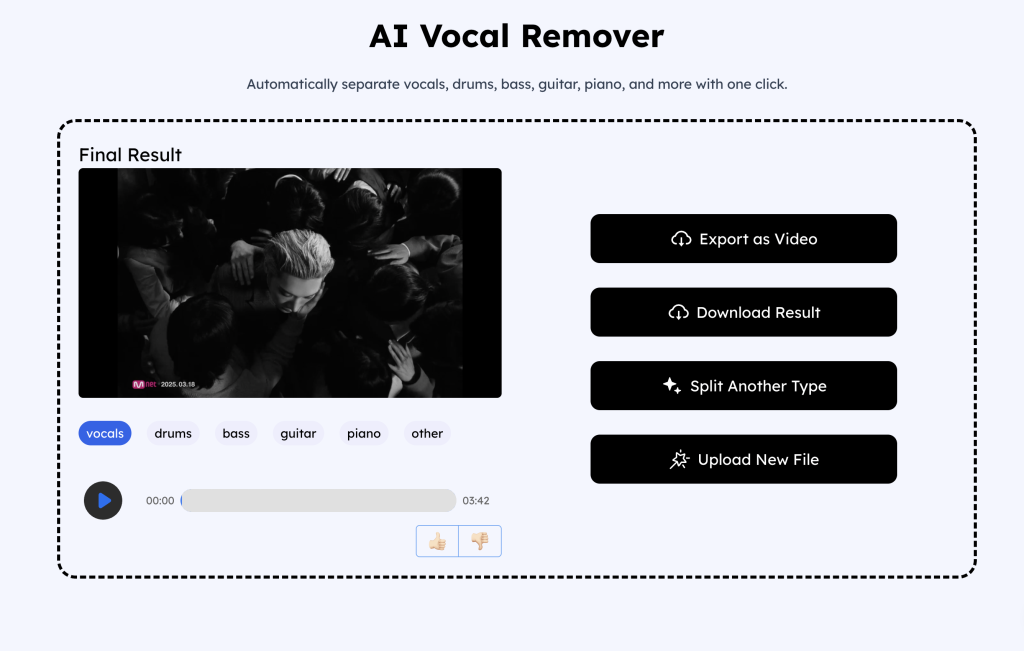
Step 1: Select the audio/video file you want to stem and upload it to our tool.
We support separating multiple audio tracks, which you can preview here.
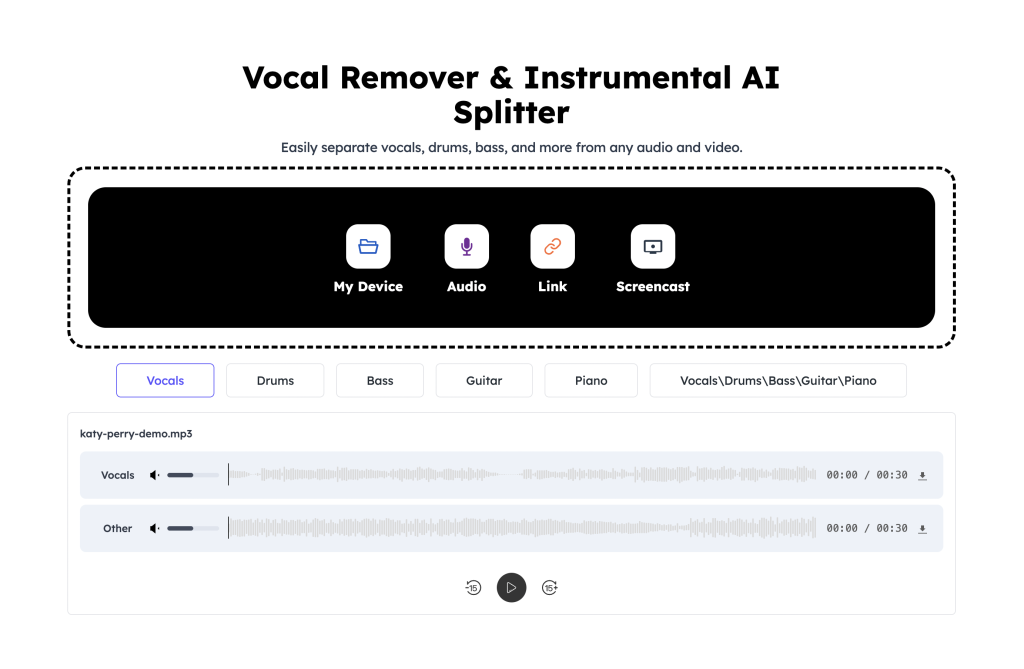
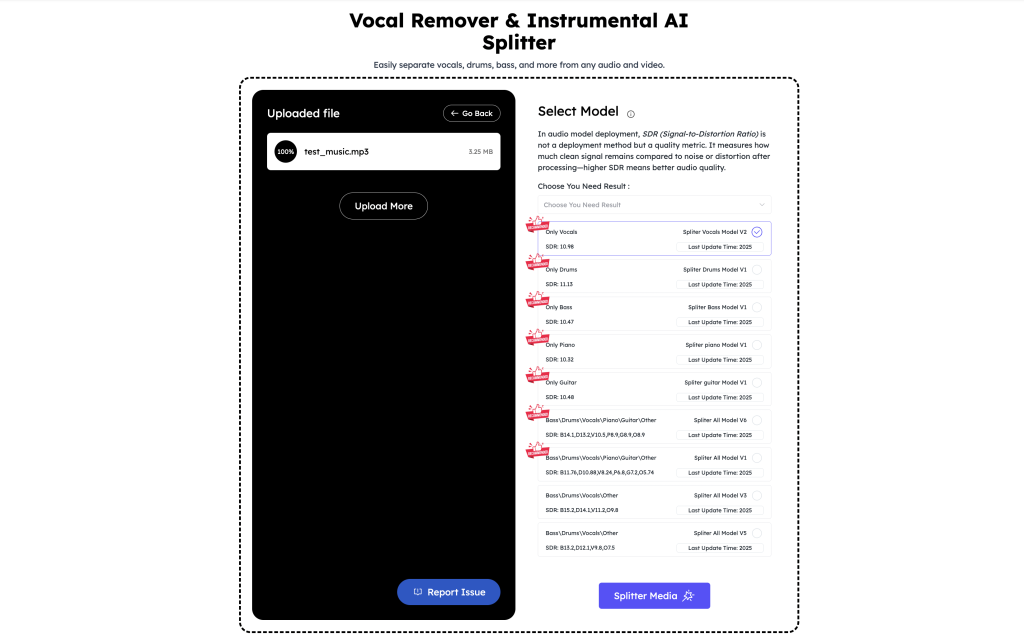
Step 2: Choose the model you wish to use. Different models will produce different processing results.
You can filter and select the appropriate model based on the type of audio track you want to separate. We offer Vocals, Drums, Bass, Guitar, Piano, and All options.
If you select a single track, the system will output two files: one containing only the selected track and the other after filtering out the selected track. If you select multiple tracks, the system will generate separate files for each track.
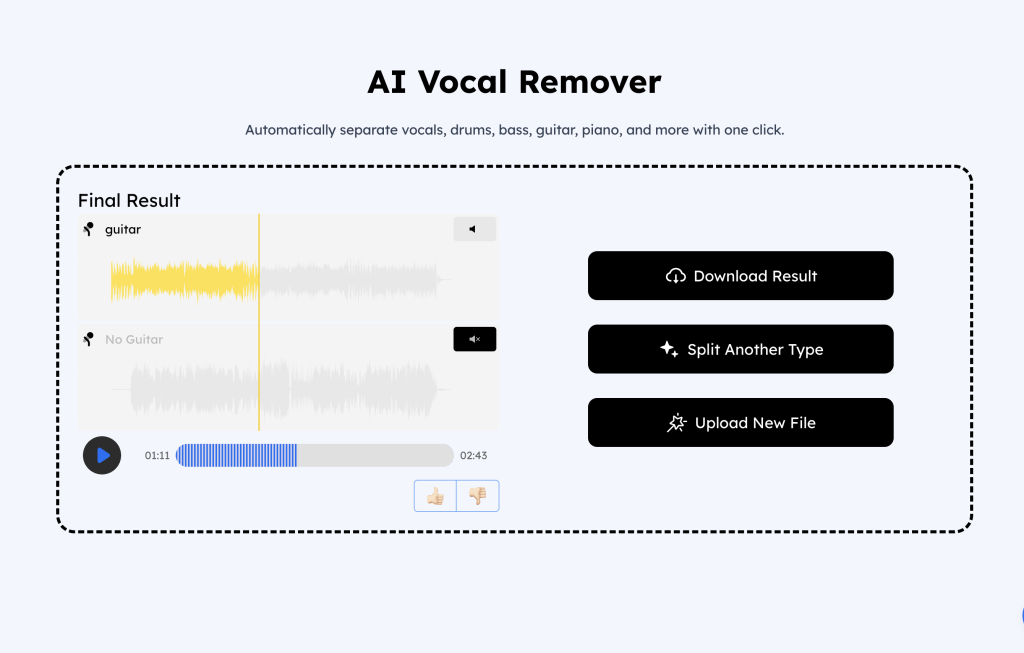
Step 3: Preview your processing results and download your files!
If you are processing audio files, clicking the Download Result button will download all split audio files.
If you are working with a video file, after you click Export as Video, the stems you selected will be retained in the video file. If you do not select a stem, you will get a silent video.