







🔥Hot FeatureRemove Music from Video Online Free
Pure SoundSeparate SoundEfficient

Free Audio Extractor: Extract Audio from Video Online, Unlimited

Use AudioCleaner's free audio extractor to extract audio from video online in seconds. Easily rip audio from MP4, YouTube videos, and other formats with our AI-powered video audio extractor. No limits, no software download required.

Jacob Ermete avatar
Elle JArina avatar
Josiah Chikwendu avatar
Jo Cook avatar

Loved by 15,000+ music lovers

Try it Now

No installation. Completely ad free.

How to Extract Audio from Video

1
Upload your video file - Upload or drag and drop your video into AudioCleaner's audio extractor. We support MP4 and other common video formats, including videos from YouTube. No file size limits.
upload audio or video
2
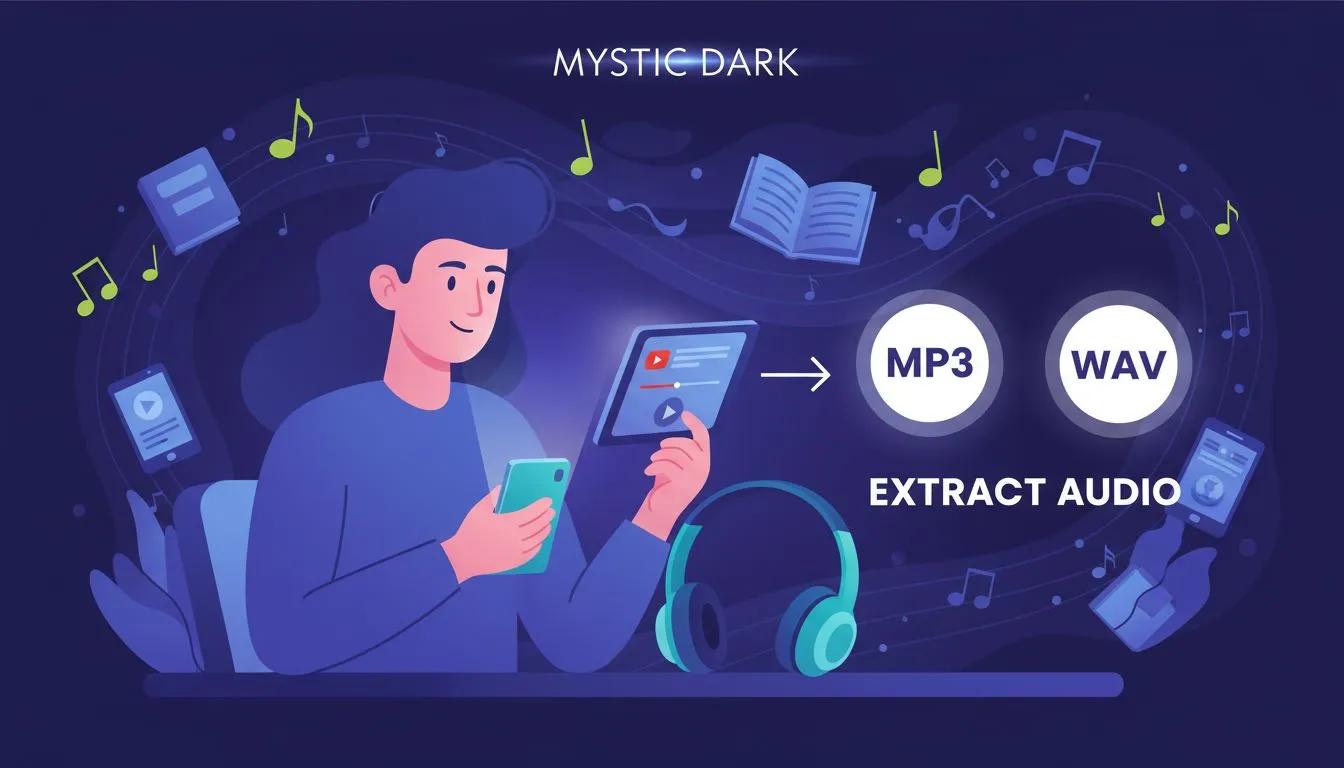
Select your audio format - Choose the audio format you want to extract, such as MP3 or WAV. Our AI audio extractor from video ensures high-quality audio output every time.
select enhanced content type
3
Try It Free
Extract and download audio - Click the “Extract Audio” button to instantly extract audio from video. Your audio file will be ready to download in seconds-fast, free, and unlimited.
download enhanced content
Extract Audio from Video for Content Creators

Extract Audio from Video for Content Creators

Use AudioCleaner's audio extractor to extract audio from video for podcasts, voiceovers, and background music. Easily rip audio from MP4 and YouTube videos online with no limits and no quality loss.

YouTube Audio Extractor for Offline Listening

Extract audio from YouTube video and convert it to MP3 or WAV for offline listening, studying, or language learning. AudioCleaner makes YouTube audio extraction fast, free, and simple.

YouTube Audio Extractor for Offline Listening
AI Audio Extractor from Video for Clean Sound

AI Audio Extractor from Video for Clean Sound

Our AI audio extractor from video automatically processes your file to deliver clear, high-quality audio. Perfect for interviews, recordings, tutorials, and any video audio extractor needs.

Audio Extractor from MP4 and Other Formats

AudioCleaner works as a powerful audio extractor from MP4 and other common video formats. Extract audio from video files online for editing, archiving, or reuse-free and unlimited.

Audio Extractor from MP4 and Other Formats
Extract Now

Why Choose AudioCleaner's Audio Extractor

Audio Extractor Online: Extract Audio from Video for Free - AudioCleaner

Free Audio Extractor to Extract Audio from Video

AudioCleaner lets you extract audio from video online for free. No downloads, no hidden costs-just a fast and simple audio extractor for everyday use.

Audio Extractor Online: Extract Audio from Video for Free - AudioCleaner

AI-Powered Audio Extractor from Video

Our AI audio extractor from video intelligently processes sound to deliver clean, high-quality audio, making it ideal for interviews, tutorials, and recordings.

Audio Extractor Online: Extract Audio from Video for Free - AudioCleaner

Audio Extractor from MP4 and Popular Formats

Easily use AudioCleaner as an audio extractor from MP4 and other common video formats. This powerful video audio extractor works entirely online.

Audio Extractor Online: Extract Audio from Video for Free - AudioCleaner

Fast YouTube Audio Extractor Online

Extract audio from YouTube video and save it as MP3 or WAV with our YouTube audio extractor. Perfect for offline listening and content reuse.

Audio Extractor Online: Extract Audio from Video for Free - AudioCleaner

Extract Audio from Video in Seconds

With our optimized audio from video extractor, you can rip audio from video quickly with just a few clicks-no waiting, no complicated steps.

Audio Extractor Online: Extract Audio from Video for Free - AudioCleaner

Unlimited Audio Extraction with No Signup

Enjoy unlimited audio extraction anytime. AudioCleaner allows you to extract audio from video without file size limits or account registration.

Loved And Trusted by Music Lovers

Effortless Audio Extraction

Extracting audio from video has never been easier. AudioCleaner's AI-powered tool quickly converts my MP4 and YouTube videos into clear MP3 files.

Sarah Lee
Content Creator

Perfect for Video Editors

I use AudioCleaner to rip audio from videos for my editing projects. Fast, accurate, and unlimited-exactly what I needed.

Mark Thompson
Video Editor

YouTube Audio Made Simple

AudioCleaner makes extracting audio from YouTube videos effortless. The MP3 downloads are high-quality and ready in seconds.

Emily Wong
Online Educator

AI-Powered Clarity

The AI audio extractor from video delivers crystal-clear sound every time. Perfect for converting interviews and tutorials.

James Carter
Podcast Producer

Unlimited Extraction, No Hassle

I love that I can extract audio from as many videos as I want without signing up. AudioCleaner is truly unlimited and free.

Olivia Martinez
Social Media Manager

Fast and Reliable

Extracting audio from MP4 files is now super fast. AudioCleaner's online tool saves me so much time on every project.

Ryan Chen
Video Content Creator

Great for Learning Materials

I extract audio from YouTube videos for my language lessons. The quality is excellent and the process is simple.

Laura Kim
Language Tutor

Simple and Intuitive

The interface is clean and easy to use. Even beginners can extract audio from video without any technical knowledge.

Michael Brown
Freelancer

High-Quality MP3 Output

AudioCleaner provides high-quality MP3 files every time I extract audio from videos. I rely on it for podcasts and tutorials.

Sophia Patel
Online Instructor

My Go-To Audio Extractor

Whether it's YouTube videos or local MP4s, AudioCleaner is my go-to tool for extracting audio fast and hassle-free.

Ethan Lewis
Music Producer

Quick Audio Extraction from Shared Videos

I saw a shared video from @zhngfifi330822 and instantly used AudioCleaner to extract its audio. The MP3 was ready in seconds and the quality was perfect.

Lucas Zhang
Video Content Creator

Effortless Audio from Shared Content

Thanks to a video shared by @bik174589, I was able to extract the audio using AudioCleaner. The process was fast, free, and the output was crystal clear.

Mia Chen
Online Educator

Extract Your Audio Now – Fast, Free, and Unlimited! No credit card, no sign up!

Remove Bass Now

Frequently asked Questions

What is the easiest way to extract audio from a video online?
AudioCleaner AI

With AudioCleaner, you can easily extract audio from video online for free. Simply upload your video, select your desired format (MP3 or WAV), and click "Extract Audio" to get high-quality audio instantly.

How can I extract audio from a video file and save it as MP3 or WAV?
AudioCleaner AI

AudioCleaner supports extracting audio from MP4 and other video files. Choose the output format, click the "Extract Audio" button, and download your audio file in seconds. No software required.

How to extract audio from video on iPhone or Android without installing apps?
AudioCleaner AI

AudioCleaner is fully online and works on both iPhone and Android. Just open the audio extractor tool in your browser, upload your video, and extract audio instantly-no app installation needed.

How do I rip audio from a YouTube video quickly?
AudioCleaner AI

Use AudioCleaner's YouTube audio extractor. Copy the video link, paste it into the tool, choose MP3 or WAV, and click "Extract Audio" to download the audio file immediately.

What's the best method to get audio from a video file?
AudioCleaner AI

The fastest way is using an online AI-powered audio extractor like AudioCleaner. Upload your video, select the format, and extract audio in seconds, with clear quality and no limits.

How can I isolate audio from a video using an online tool?
AudioCleaner AI

AudioCleaner allows you to isolate audio from any video file. The AI processing ensures clean, high-quality audio for podcasts, tutorials, or personal use-all online and free.

How to extract audio from YouTube video for offline listening?
AudioCleaner AI

Simply use AudioCleaner's YouTube audio extractor. Paste the video URL, choose MP3 or WAV, and download the audio instantly for offline use or learning purposes.

How to convert MP4 video to audio online without software?
AudioCleaner AI

AudioCleaner works as a reliable audio extractor from MP4 and other formats. Upload your file, select your preferred audio format, and extract audio online-no downloads required.

Can I extract audio from video for free using an AI-powered tool?
AudioCleaner AI

Yes! AudioCleaner's AI audio extractor from video is completely free. Extract audio from MP4, YouTube, and other video formats with unlimited usage and fast processing.

How to extract high-quality audio from video files online with no limits?
AudioCleaner AI

AudioCleaner lets you extract audio from video online without file size limits or signup. The AI-powered extractor ensures high-quality MP3 or WAV audio for every file.

Sign up now to enjoy unlimited access!

Get clean audio and video for free usage.

Try it now