








YouTube Thumbnail Maker

Give viewers one clear reason to notice your video. Start with its topic or a chosen frame, then shape the image and headline together in the YouTube Thumbnail Maker.

Input source
4.9

User Rating

30,000,000+

Files Processed

190+

Countries Served

Loved by 5 Million+ Users Worldwide

YouTube Creators Podcast Teams Music Producers Video Editors Online Educators Course Creators Marketing Teams Social Media Managers Content Agencies Game Streamers Voice Actors Audiobook Creators Film Editors Journalists Students Teachers Language Learners Corporate Trainers

From Video Idea to Cover

The YouTube Thumbnail Maker starts with one content decision: which visual detail should a viewer notice before reading the title?

1
Choose the moment or messageEnter a short topic, or choose a frame from your video. Decide what the cover must communicate before writing the headline.
Choose the moment or message
2
Build a visual directionThe YouTube Thumbnail Maker gives the main subject room to stand out. Compare candidate images at the size people will see in a YouTube feed.
Build a visual direction
3
Create Your Video Cover
Finish the text and saveIn the YouTube Thumbnail Maker, adjust the headline as a separate layer, check that the subject stays visible, and save the version that matches the video.
Finish the text and save

Covers for Different Kinds of Video

The right focal point changes with the content. The YouTube Thumbnail Maker frames one recognizable detail instead of trying to summarize an entire video in a small image.

Make a Tutorial Recognizable at a Glance

Make a Tutorial Recognizable at a Glance

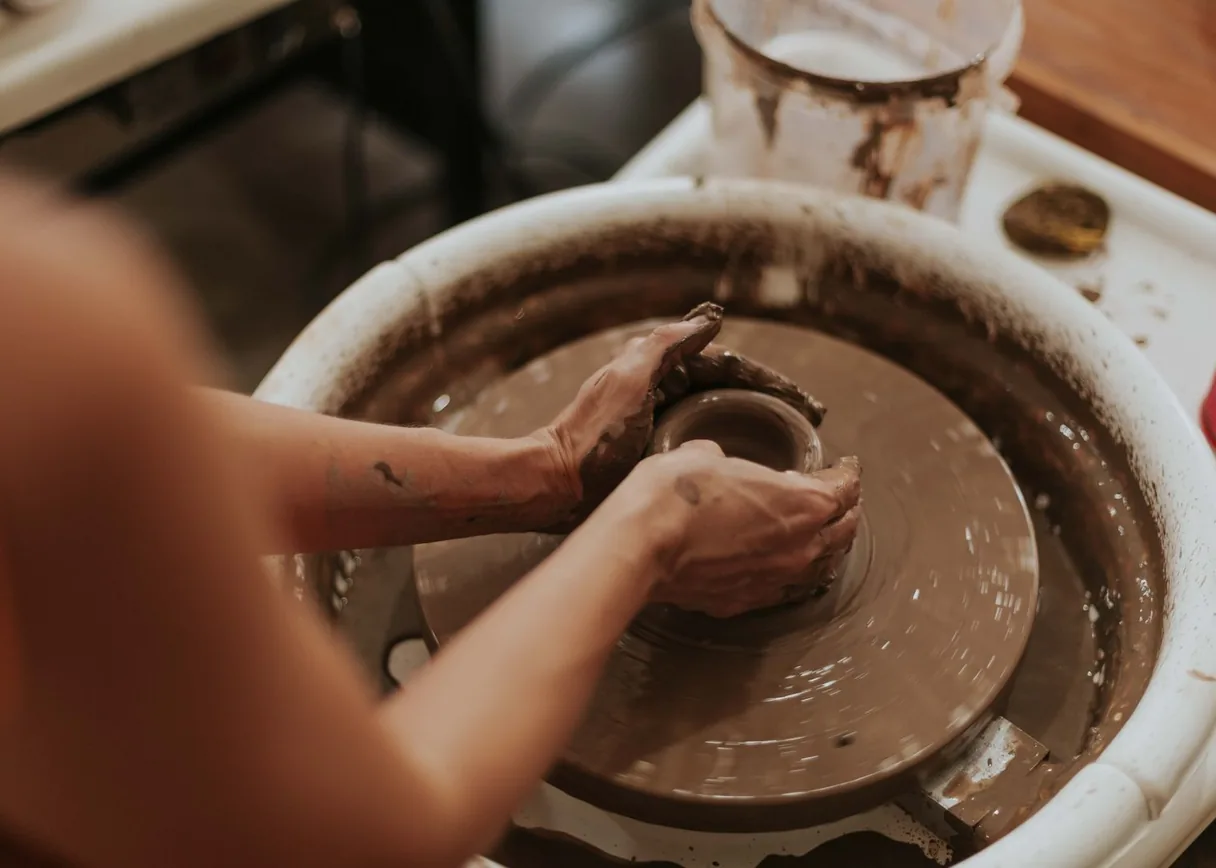
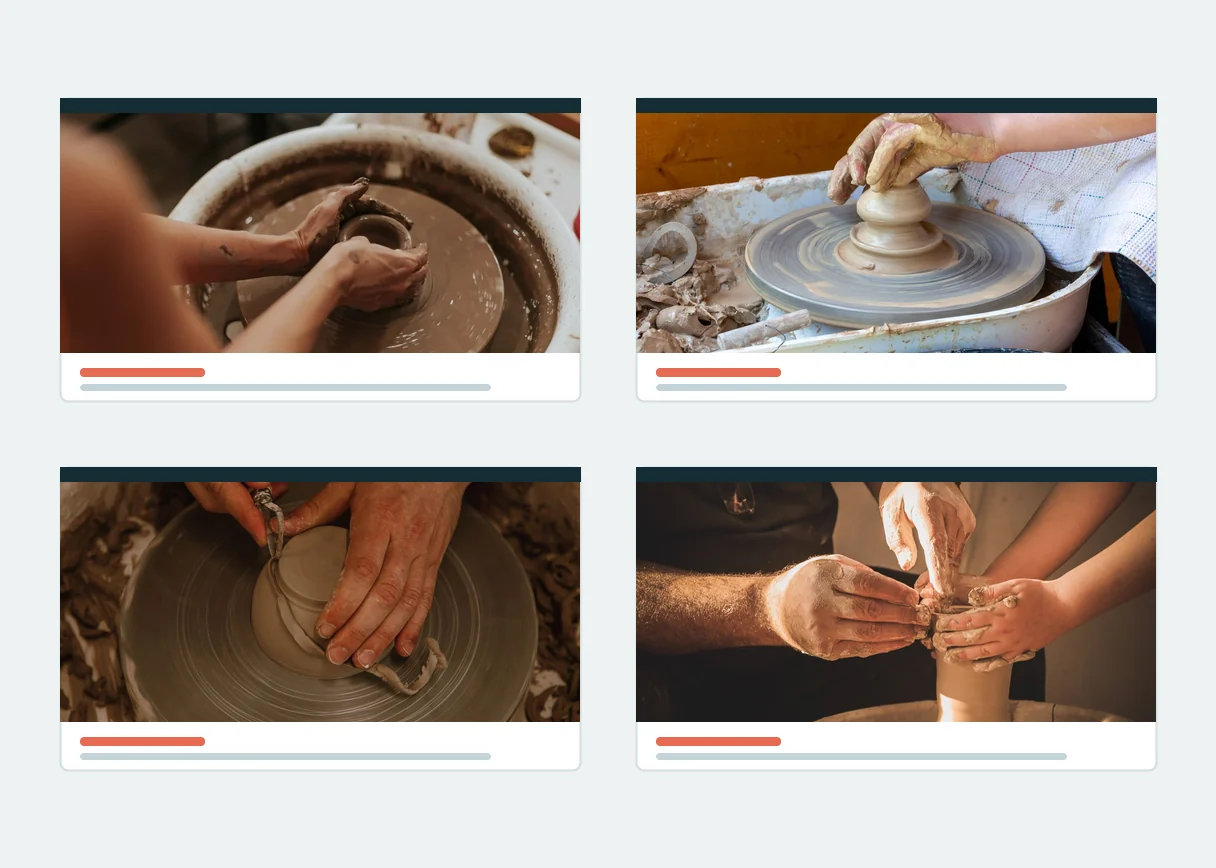
Tutorial viewers need to spot the object or outcome the lesson is about. Keep that subject clear in the video cover while a short title explains what they will learn.

Give an Interview a Clear Focal Point

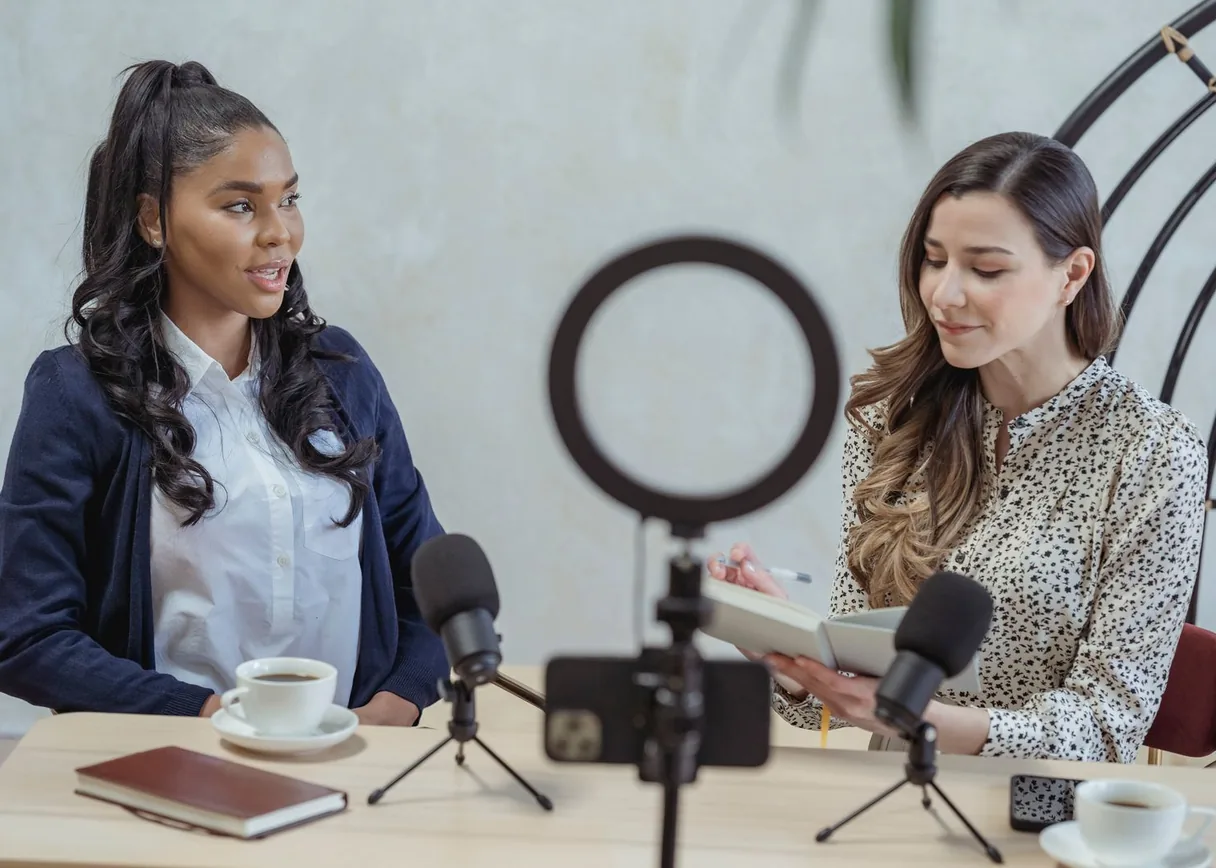
Interview episodes can cover many topics. Choose one clear angle so the image connects to the video discussion without repeating the full episode title.

Give an Interview a Clear Focal Point
Show a Product Demonstration Clearly

Show a Product Demonstration Clearly

Product demonstrations work when the item remains visible. Select a frame or visual that shows what is being examined, then let the title name the decision the video helps with.

Give a Series a Familiar Look

Without a consistent visual cue, series episodes can look unrelated. Share colors and title placement while changing the subject so viewers can find the right video.

Give a Series a Familiar Look
Create a Clear Video Cover

What to Check Before You Keep a Thumbnail

YouTube Thumbnail Maker

A Subject Viewers Can Identify

For a tutorial video, place the main person, object, or scene in the YouTube Thumbnail Maker where it stays clear at feed size. If the background competes for attention, simplify it before adding more words.

YouTube Thumbnail Maker

A Short, Editable Headline

The YouTube Thumbnail Maker keeps the words separate from the image so a typo or changed video title does not force you to create an entirely new visual.

YouTube Thumbnail Maker

A Layout Made for YouTube Video

For a standard video, the YouTube Thumbnail Maker uses a wide composition so the subject and text stay clear inside a 16:9 crop.

YouTube Thumbnail Maker

A Starting Point When You Have No Frame

Video topics can guide the first visual direction when the file is not ready. Compare the first idea against the finished video before publishing.

YouTube Thumbnail Maker

More Than One Direction to Consider

Compare a second video composition when the first hides the subject or makes the message hard to read. A new image is a different result from an edit to existing text.

YouTube Thumbnail Maker

A Final Check at Small Size

Reduce the video cover on screen before saving it. If the main idea disappears at feed size, shorten the headline for a clearer result.

Questions Before You Make a Thumbnail

What does a YouTube Thumbnail Maker help me create?
AudioCleaner AI

It helps you plan and build the cover image for a YouTube video. Choose one message the viewer should notice, then check that the image and headline support that message.

Can I start from a video frame?
AudioCleaner AI

The planned YouTube Thumbnail Maker starts from a video file you provide and lets you select a useful frame. The image should still make sense without the video's full title.

What if I only have a topic?
AudioCleaner AI

Start with a brief description of the video. Compare any generated visual with the finished content so the cover does not promise something absent from the video.

Is a free YouTube thumbnail maker the same as unlimited free images?
AudioCleaner AI

No. AudioCleaner's proposed access uses sign-in and included starter credits; the available balance and any charge should be shown before a new image is generated.

Is an AI YouTube thumbnail maker enough to write the final title?
AudioCleaner AI

Use AI for a visual starting point, then edit the headline yourself. Short, accurate wording is easier to read and easier to correct.

How is a YouTube thumbnail generator different from choosing a random frame?
AudioCleaner AI

Random video frames may hide the subject or leave no room for text. A deliberate cover lets you choose what to emphasize and check the composition at small size.

Should the thumbnail repeat my full video title?
AudioCleaner AI

Usually the cover works better with fewer words. Keep the headline complementary to the title and make sure the picture still explains the topic.

What shape should a standard YouTube video cover use?
AudioCleaner AI

Use a wide 16:9 layout for a standard video. Check how the design looks in a small feed image before saving it.

Can I change the wording after the image is made?
AudioCleaner AI

The planned YouTube Thumbnail Maker keeps the title as a separate editable layer. Image regeneration and text edits should be shown as different actions.

Is a YouTube link required to begin?
AudioCleaner AI

The proposed first version uses a topic or a local video file. A link alone should not be treated as a video file already available for image generation.

What makes a thumbnail misleading?
AudioCleaner AI

Mismatched people, products, events, or claims can mislead viewers. Match the focal image and words to what the video actually contains.

Is there a way to compare different design ideas?
AudioCleaner AI

Yes, the planned result view should let you compare alternatives. Each new generated image would have its own cost shown before you confirm it.

Is signing in required?
AudioCleaner AI

Yes, the proposed YouTube Thumbnail Maker uses an account for generation and saved results. Sign in before creating an image, then check the displayed credits and result options.

Sign up now to enjoy unlimited access!

Get clean audio and video for free.

Try it now