











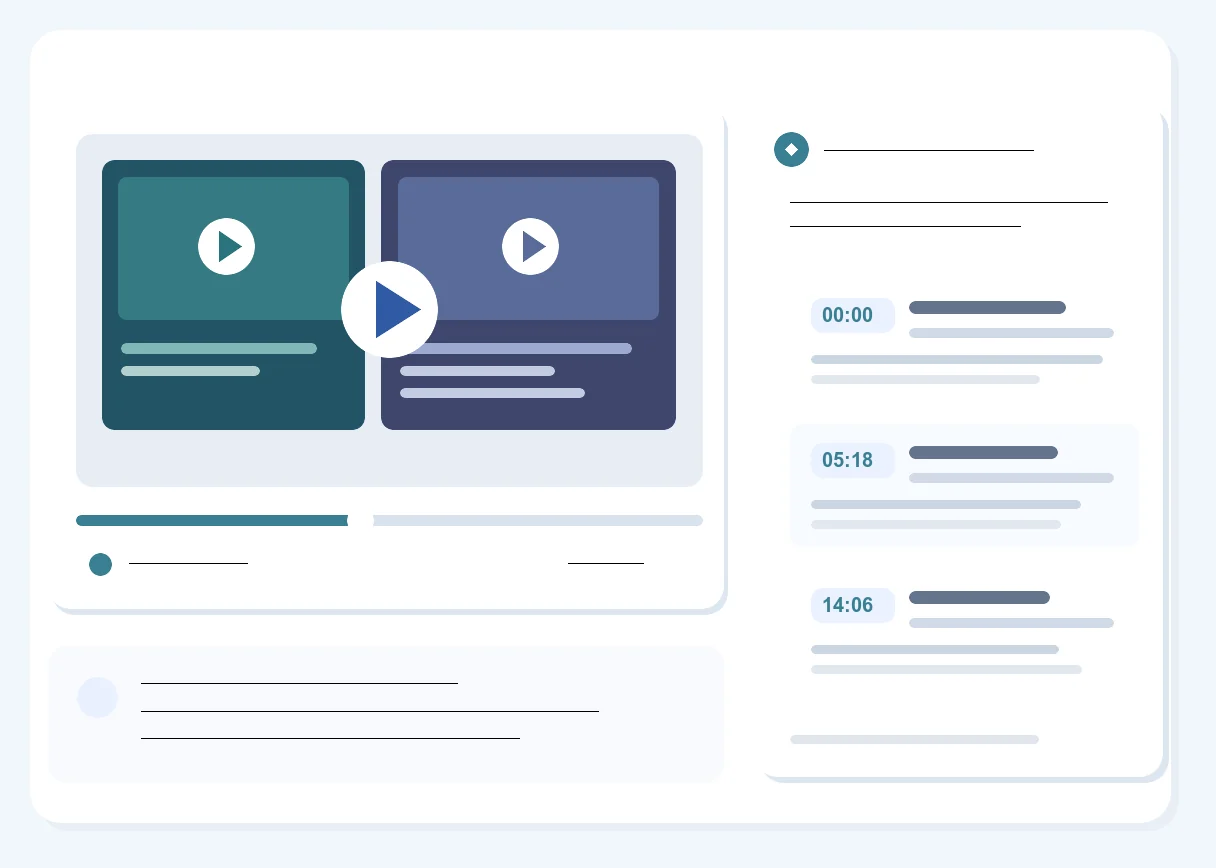
What Makes a Video Summary Useful
The YouTube Video Summarizer does more than shorten the spoken text. It keeps the structure and source references needed to decide which ideas deserve a closer look.

Chaptered Key Points
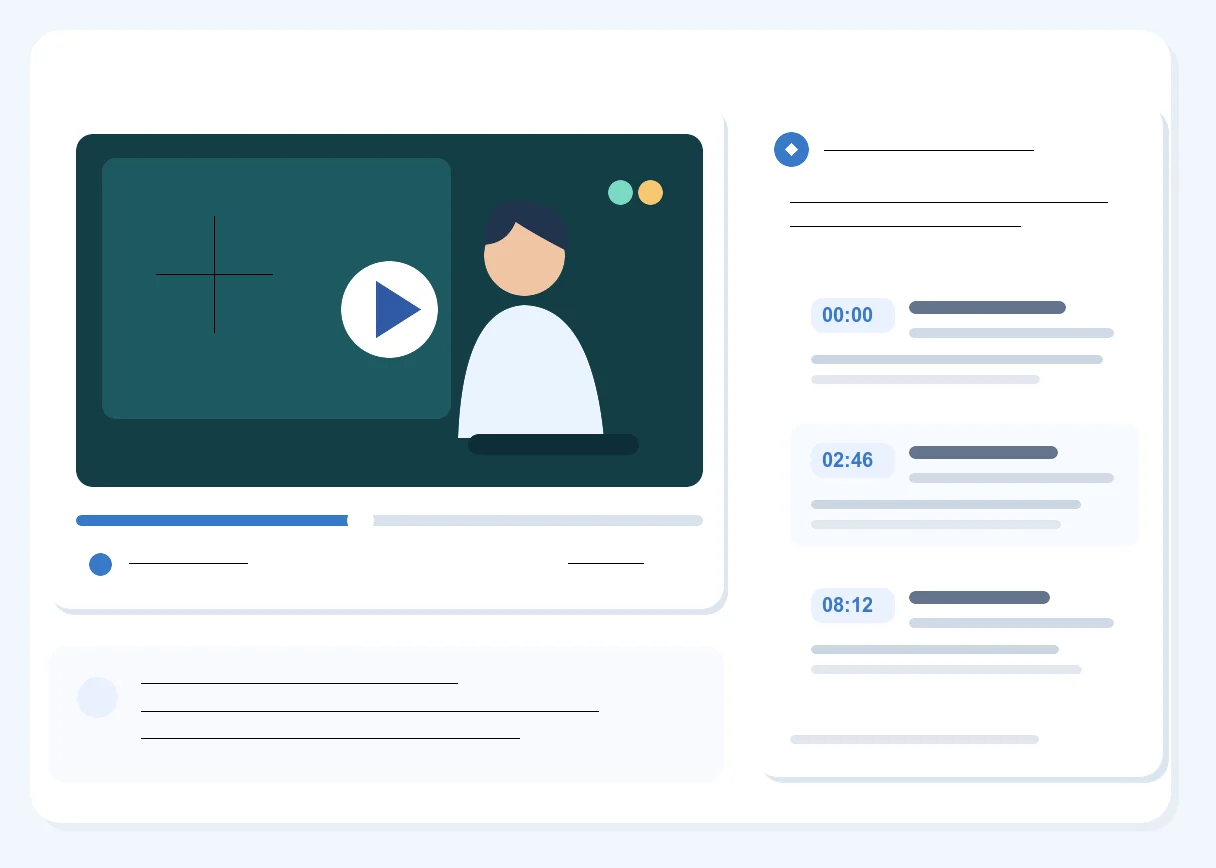
The YouTube Video Summarizer organizes related ideas into chapters instead of a long unbroken paragraph. A student reviewing a lecture gets a clearer result to scan before focusing on the part tied to an assignment question.

Time Markers for Source Checks
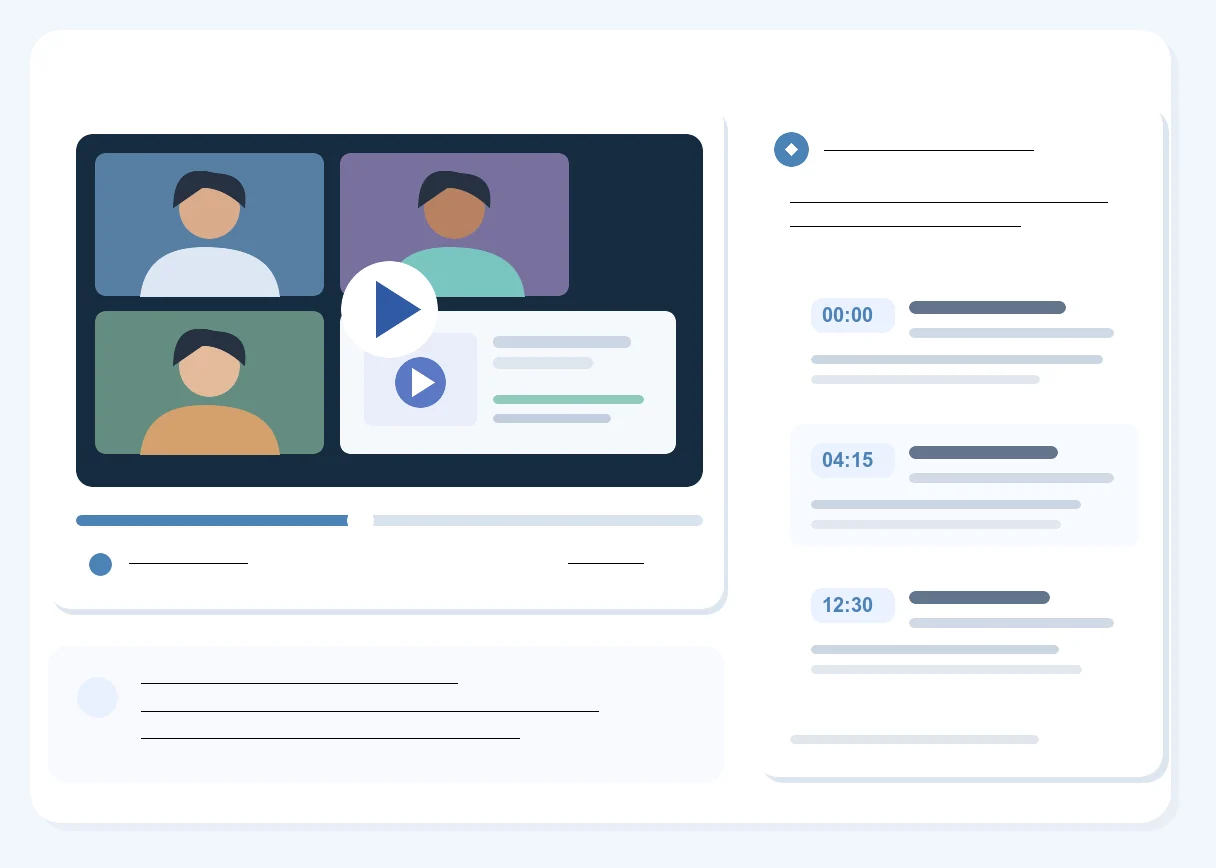
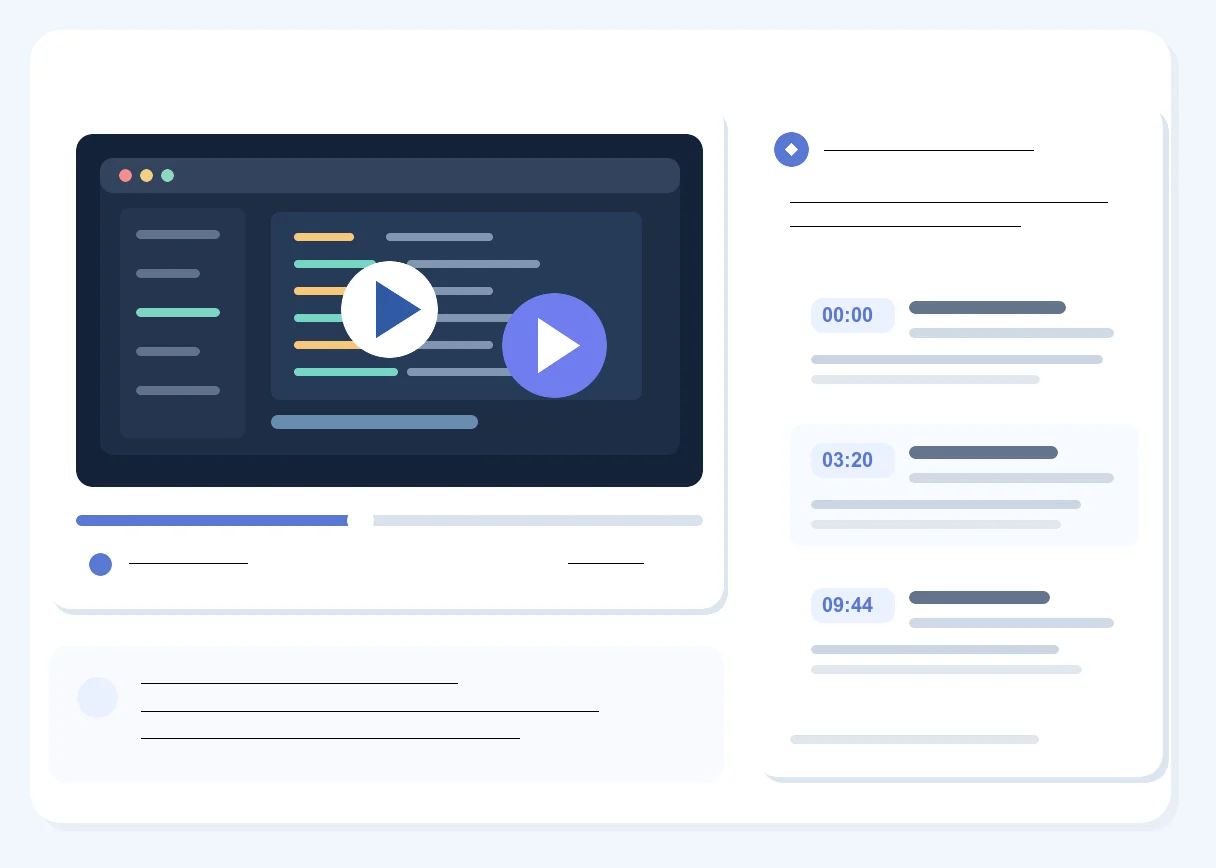
Important points carry video time references. When an interview statement seems surprising, those markers give you a practical way to check the original wording before quoting it.

Reuse an Existing Transcript
The YouTube Video Summarizer can work from a transcript already created for the video. That lets someone who first needed the full spoken record create chaptered notes from the same source later.

Copy the Summary
Copyable text makes it easier to bring key ideas into personal notes. Check the video time marker before presenting a paraphrase as something the speaker stated directly.

PDF for a Fixed Reading Copy
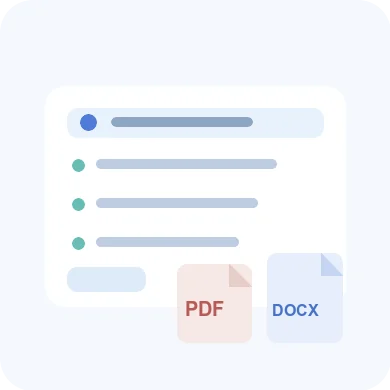
The YouTube Video Summarizer exports a PDF file of chaptered points for a research team. The fixed reading copy lets everyone review the same time-marked notes without changing their wording.

DOCX for Working Notes
DOCX export creates an editable file for someone preparing meeting notes. Add your own comments beside the AI summary and keep the source time markers in view while working through the document.