













The Details That Make a Transcript Useful
Transcript structure makes a sentence easier to connect with its source video. The YouTube Transcript Generator brings timing, chapter, and speaker cues into one result.

Text from Videos Without Captions
Speech recognition can generate text when the uploader has not provided captions. For a lecture or interview with missing subtitles, this gives you a readable starting point instead of an empty caption list.

Timestamps Beside the Words
Time markers show where a sentence occurs, so a researcher can check a claim before citing it. A YouTube transcript generator with timestamp data keeps that route back to the recording close to the text.

Chapters for Topic Changes
Chapter headings organize topic shifts in a long video. Scan them before reading a full meeting or tutorial transcript to focus on the section that contains the decision or explanation you need.

Speaker Labels for Conversations
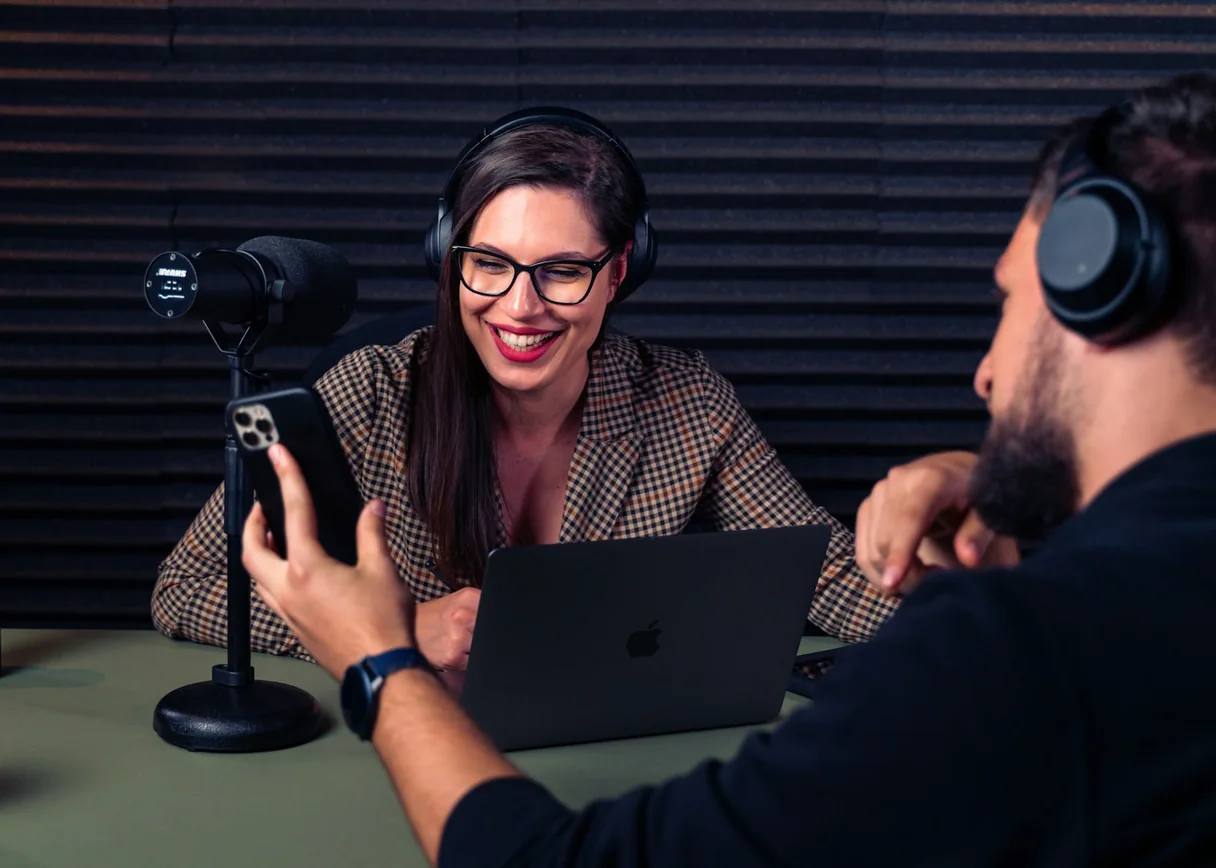
Speaker labels separate turns in a conversation, making an interview easier to inspect. Treat them as navigation cues and check the video before attaching a real person's name to a quotation.

TXT for Reading and Search
TXT saves the spoken content as a plain-text file you can search with your notes. The YouTube video transcript generator keeps the words accessible after you leave the player.

SRT for Timed Subtitle Work
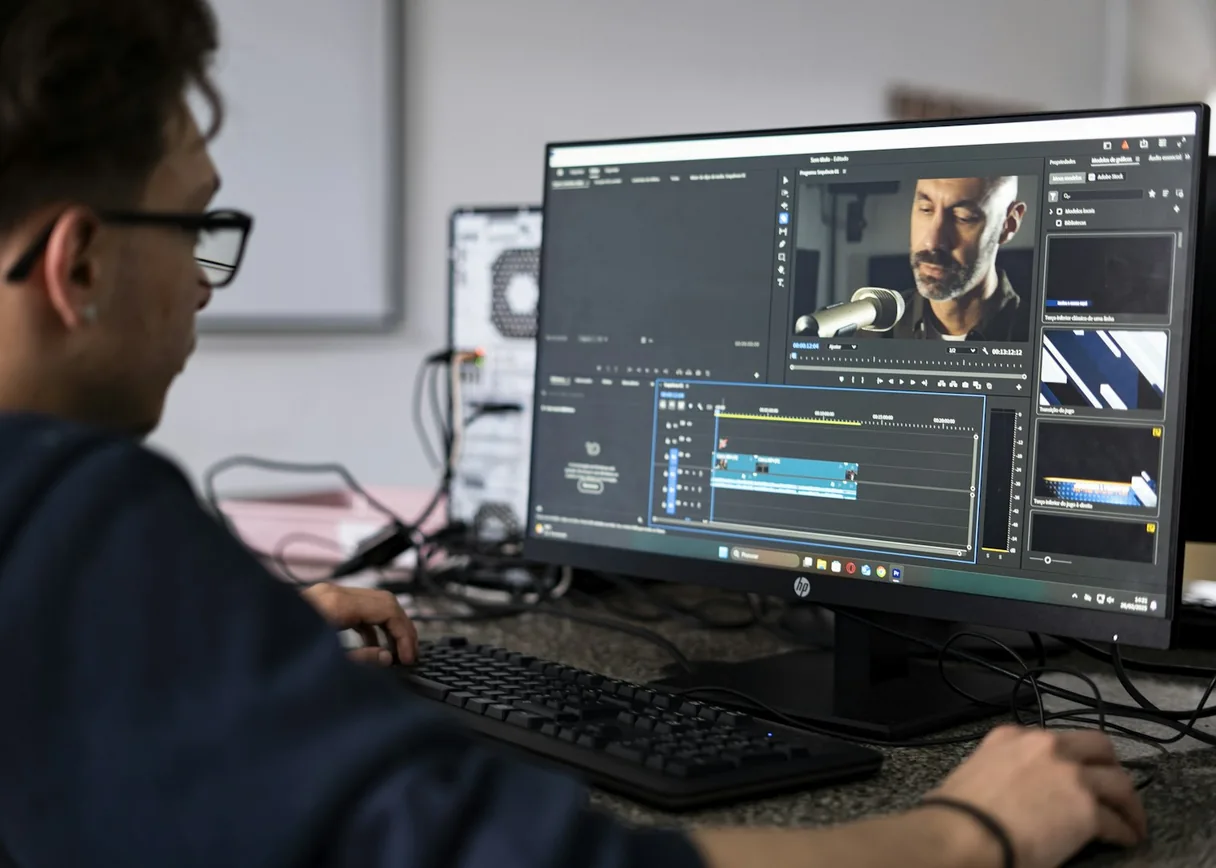
SRT exports speech as timed subtitle entries. Creators can use the YouTube Transcript Generator to prepare that file, then check each line against the video before using it as published captions.